


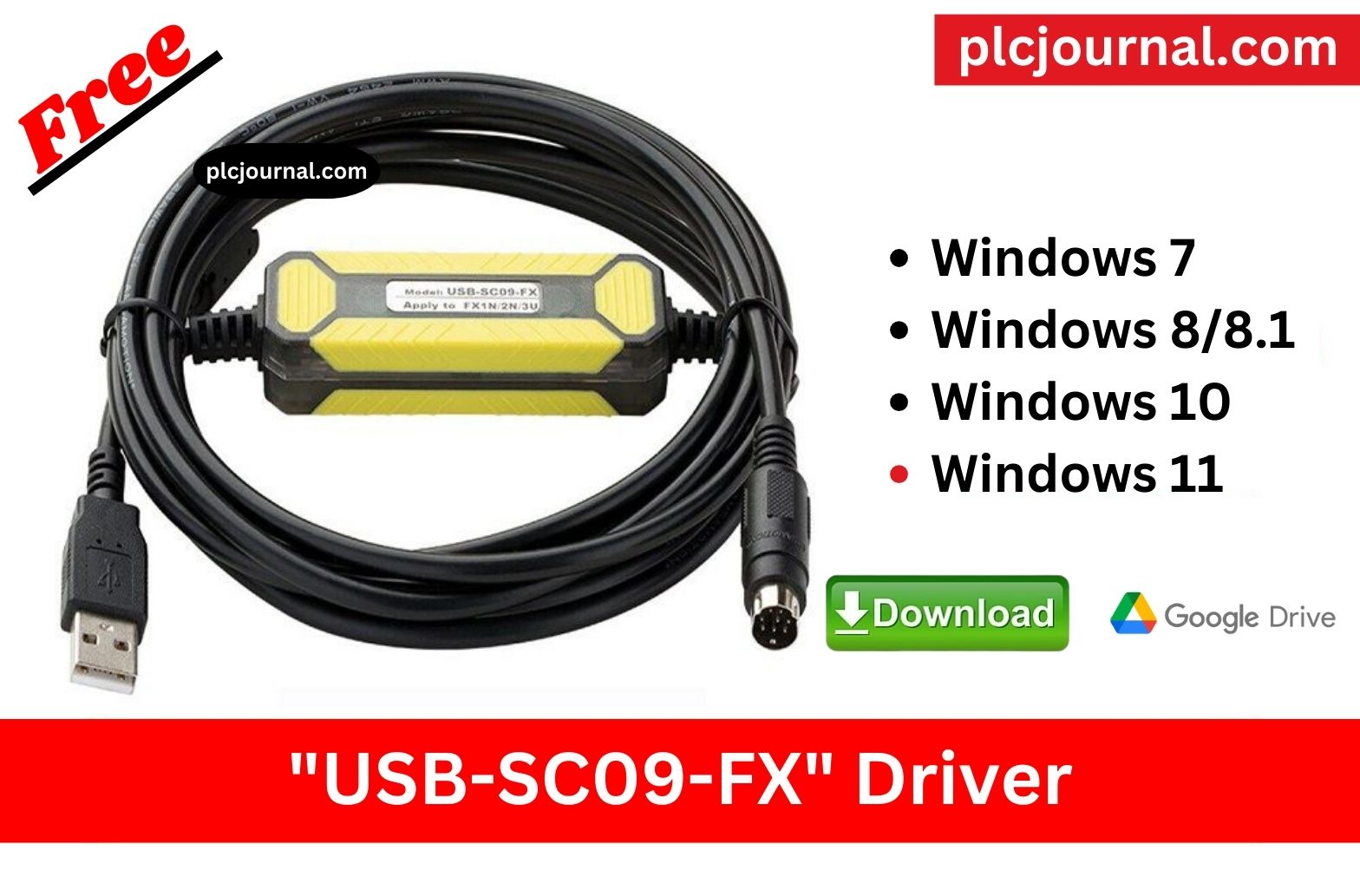
When working with Mitsubishi PLCs and HMIs, the right USB communication driver is essential to ensure smooth connectivity between your PC and the device. The Mitsubishi All Cable USB Driver supports multiple programming cables such as USB-SC09, USB-QC30R2, USB-FX, and USB-Q Series cables, making it a must-have for automation engineers.
This driver, notably, allows your PC to seamlessly recognize and communicate with Mitsubishi PLCs through USB ports, thereby enabling not only easy programming, uploading, and downloading, but also, furthermore, efficient monitoring of PLC programs with ease and precision altogether.
Features of Mitsubishi All Cable USB Driver
- Notably, supports all Mitsubishi USB cables, including, but not limited to, FX, A, Q, L series, and furthermore, many more compatible options as well.
- Fully compatible with not only GX Developer and GX Works2, but also, furthermore, GX Works3, thereby covering a wide range of Mitsubishi programming environments altogether.
- Enables a consistently stable and, moreover, highly reliable connection between the PLC and PC, thereby ensuring seamless and uninterrupted communication at all times.
- Works with USB-SC09, USB-SC09-FX, USB-QC30R2 cables
- Automatic COM port detection
- Works on both 32-bit and 64-bit systems
- Easy installation with plug & play support
Why Do You Need This Driver?
Without installing the correct USB driver, your PC may, consequently, fail to recognize the Mitsubishi PLC cable, thereby resulting in frustrating connection errors. However, by simply installing the Mitsubishi All Cable USB Driver, you will, therefore, get:
- Smooth PLC-to-PC communication
- Hassle-free program uploading & downloading
- Reliable PLC monitoring & debugging
- Full compatibility with all Mitsubishi programming software
How to Download of this Software Free
First, try to download it from Mitsubishi official website.
- Visit the Official Mitsubishi Website: Start by going to the Mitsubishi official website.
- Search for this software: Use the search bar to find this software.
- Select the Download Option: Once you navigate to the product page, look for the download section.
- Fill Out Necessary Information: You may be required to create an account or provide information such as email and company details.
- Accept the Terms and Conditions: Make sure to read through and accept the licensing agreements or terms before downloading.
- Download the Software: Click the download link and save the file to your computer.
- Install the Application: Follow the installation instructions provided to complete the setup.
If you fail to download the software in any way, then download the software by clicking on the download button below this post.
Free Download Mitsubishi All Cable USB Driver 1, 2, 3.
Free Download Mitsubishi USB-SC09-FX Driver
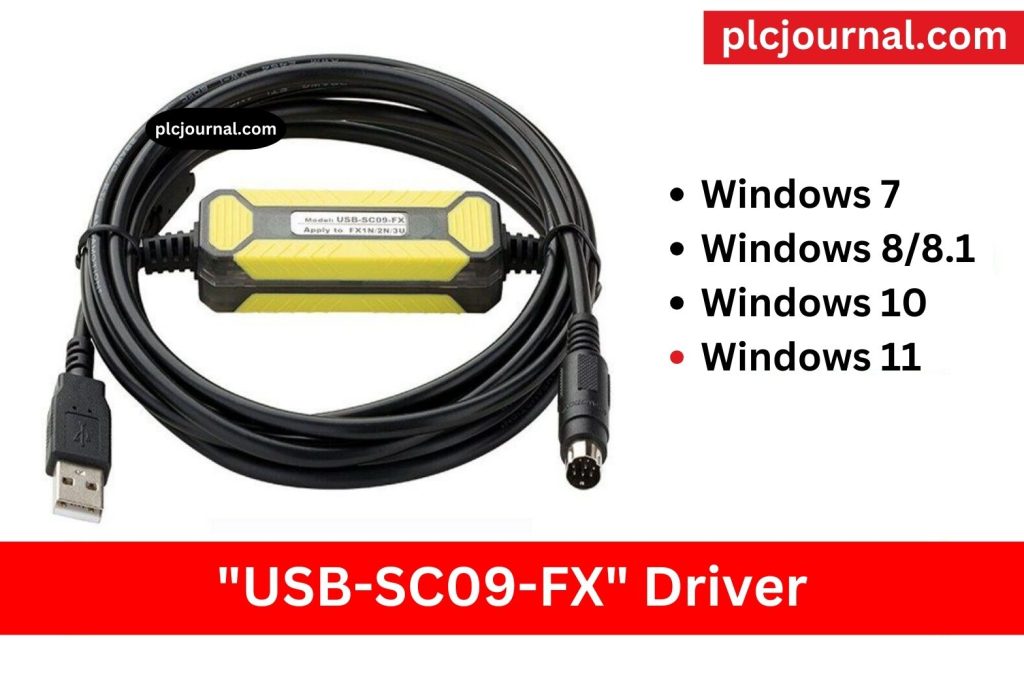
Used for downloading and uploading programs for all Mitsubishi FX and A Series PLCs. Mitsubishi USB-SC09-FX Driver driver is compatible with both Mitsubishi cables and Amsamotion cables.
Free Download Mitsubishi USB-SC09-FX Driver (Google Drive)
Password Extract: plcjournal.com
Free Download Mitsubishi USB Easy socket Driver (PLC, HMI, VFD, Servo)
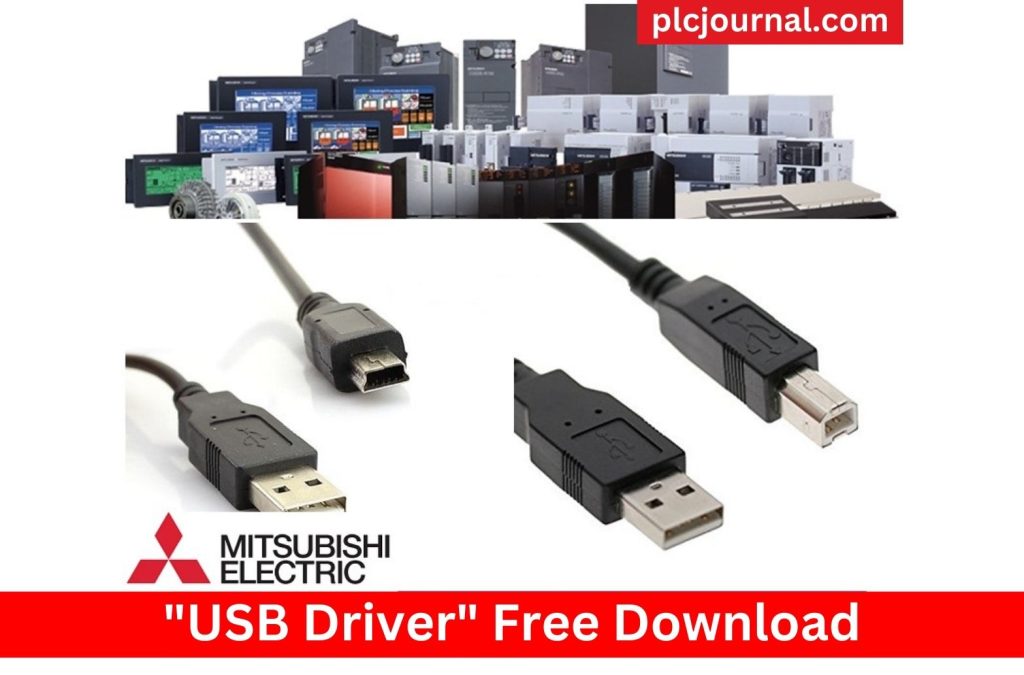
The Mitsubishi Easysocket USB driver is used for all Mitsubishi devices that have built-in USB ports, including PLCs, HMIs, VFDs, and servo systems.
Download Mitsubishi USB Easy socket Driver (Google Drive)
Password Extract: plcjournal.com
Free Download FX-USB-AW / FX3U-USB-BD Driver
Experienced in programming MITSUBISHI PLCs, including the FX0S, FX1S, FX0N, FX1N, FX1NC, FX2N, FX2NC, FX3U, FX3UC, FX3S, FX3SA, FX3G, FX3GA, and A – CPU series.
Image – 1
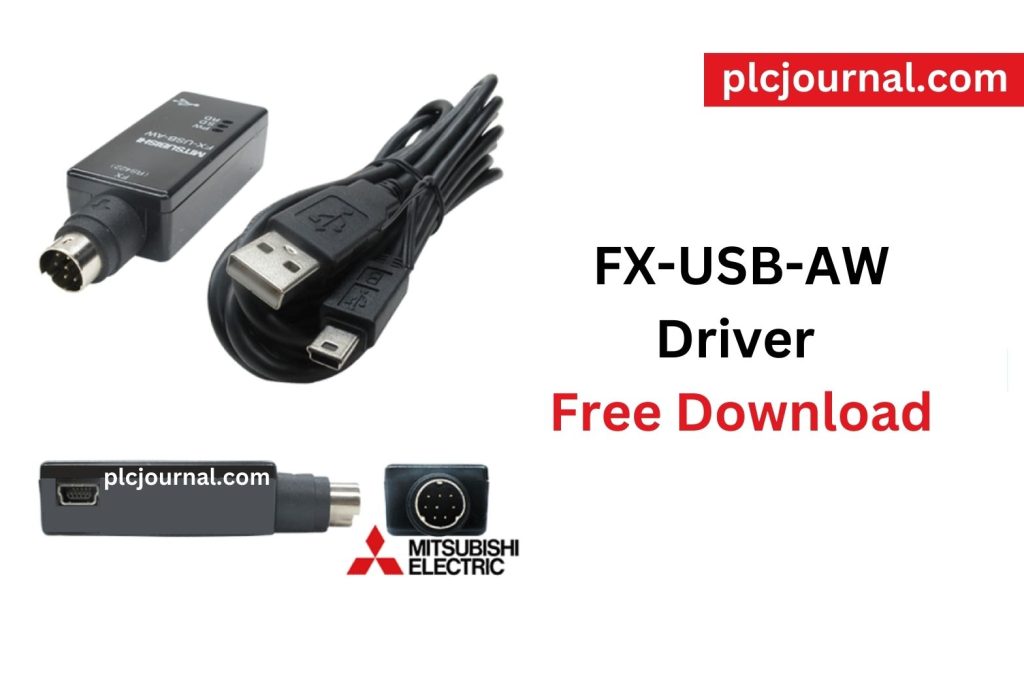
Image – 2
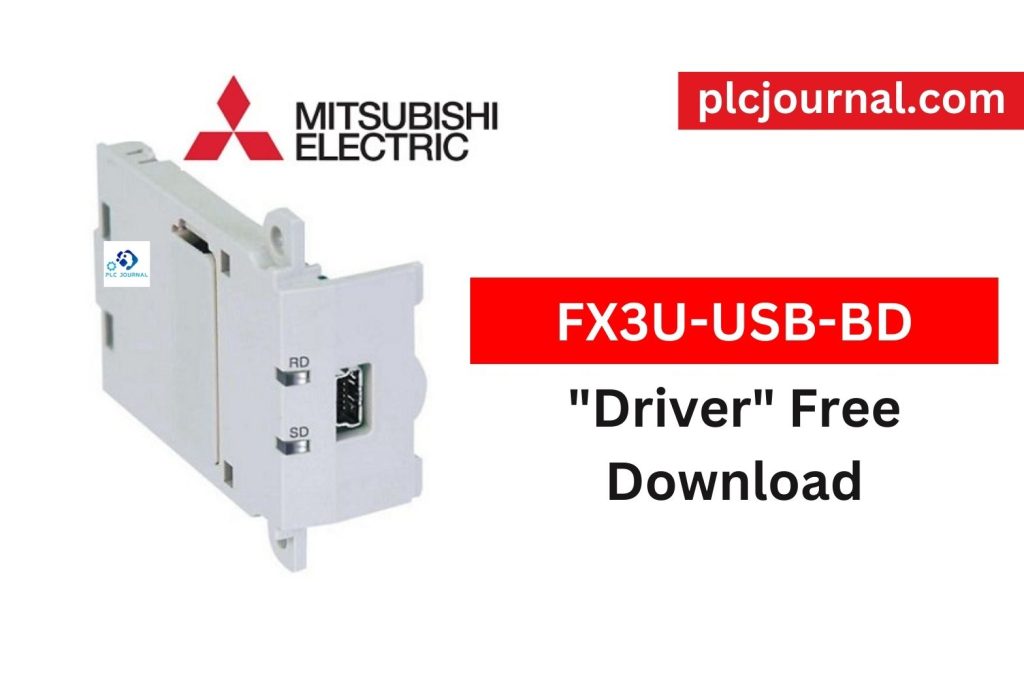
Download FX-USB-AW / FX3U-USB-BD Driver (Google Drive)
Password Extract: plcjournal.com
Conclusion
The Mitsubishi All Cable USB Driver is a must-install tool for engineers working with Mitsubishi PLCs. Whether you are using GX Developer, GX Works2, or GX Works3, this driver ensures smooth and reliable communication between your PC and PLC.
Download the Mitsubishi All Cable USB Driver Free from the link above and avoid connection issues during PLC programming.




