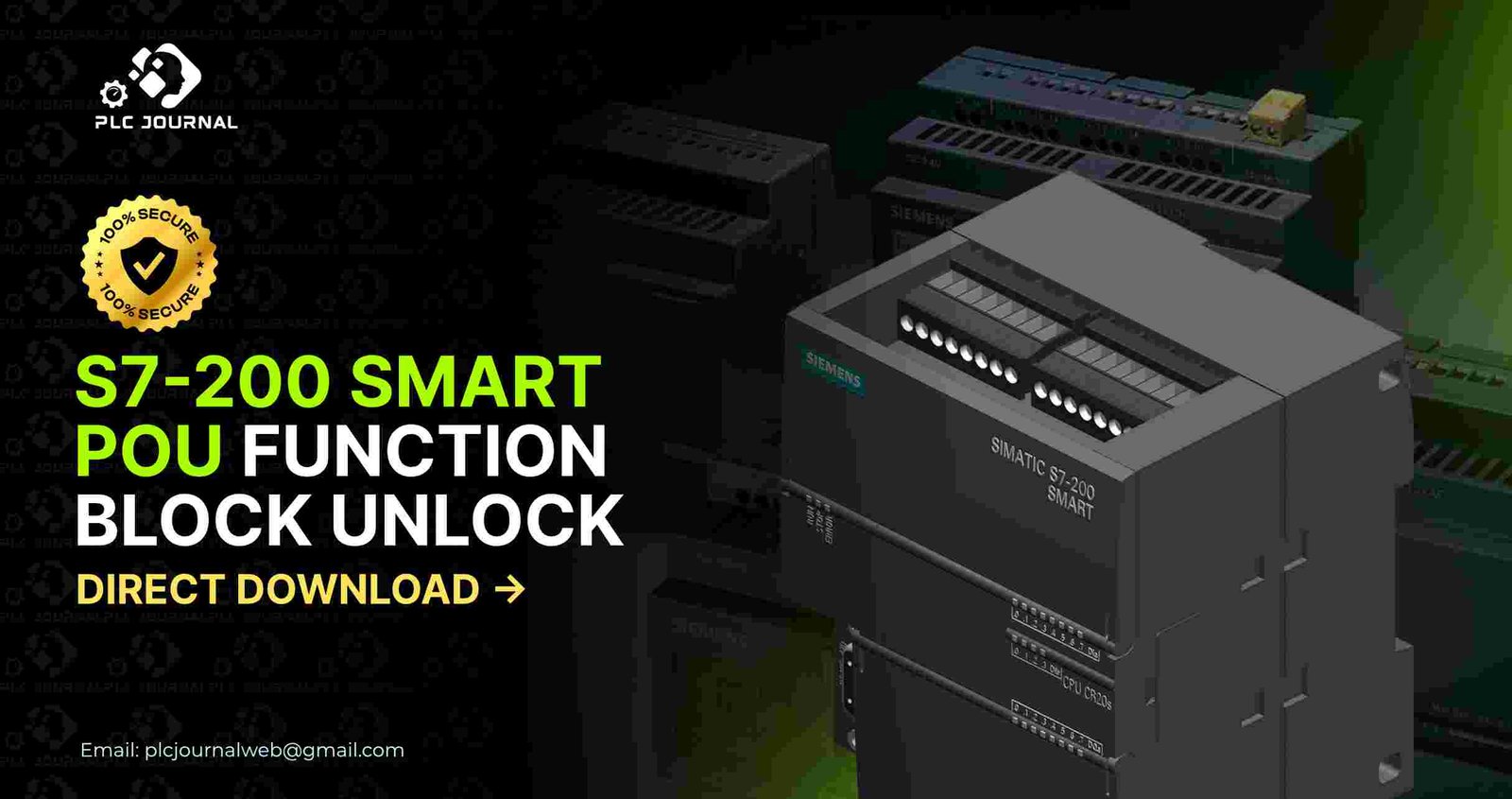
Indeed, Siemens S7-200 SMART PLC is one of the most widely used compact PLCs in modern automation. Moreover, it delivers reliable performance, while also offering flexible programming and, as a result, seamless integration with small and medium industrial applications. However, engineers often face one major challenge – locked POU (Program Organization Unit) function blocks. When a POU block is password-protected, you cannot open, edit, or modify the logic inside it. At this point, the S7-200 SMART POU Function Block Unlock software becomes an essential tool that saves time, money, and frustration.
In this article, you will learn everything you need to know about unlocking protected POU function blocks in S7-200 SMART PLC projects. Furthermore, the content is easy to follow, as well as highly engaging, and, therefore, structured to help website visitors stay longer on the page. Whether you are a PLC programmer, maintenance engineer, or automation professional, you will find this guide extremely useful. And by the end, you will understand exactly why PLCJournal.com is the most trusted platform for downloading unlock software safely.
Now, let’s dive into the complete breakdown of S7-200 SMART POU Function Block Unlock, and at the same time, explore how the direct download tool works. In addition, we will highlight its key features so that you can understand its full benefits.
Why S7-200 SMART POU Function Block Unlock Is Needed
Function block locking is a common method used by programmers to protect intellectual property. But when a machine needs modification or troubleshooting, a locked block becomes a serious obstacle. Engineers cannot:
- View the internal logic
- Edit parameters
- Access subroutines
- Analyze data flow
- Update hardware mapping
- Diagnose errors
These issues, therefore, stop the workflow immediately. Consequently, that’s why the S7-200 SMART POU Function Block Unlock tool is crucial. Moreover, it removes the password protection from POU blocks safely, thereby allowing you to continue working with full access without interruptions.
Without unlocking, you might spend hours trying to rebuild the logic or, alternatively, reverse-engineer the program. However, using the unlock software saves time, while also ensuring program accuracy, and, as a result, reduces machine downtime instantly.
Why PLCJournal.com Is the Most Trusted Source
Even though many websites claim to offer PLC tools, not all are secure or reliable. PLCJournal.com stands out because:
- All software is verified and tested before uploading
- Download files are clean, safe, and virus-free
- Users get direct download links without unnecessary steps
- Each article provides clear instructions
- Engineers from around the world trust the site regularly
- The website updates tools faster than most platforms
Because of this trust factor, professionals confidently download the latest S7-200 SMART POU Function Block Unlock tools only from PLCJournal.com.
What’s New in the Direct Download Unlock Tool?
The updated unlock software, therefore, provides a complete solution for the S7-200 SMART PLC. Moreover, the direct download version includes several powerful improvements, which together enhance efficiency and usability:
✔ Full Support for All S7-200 SMART Models
Supports ST20, SR20, ST40, SR40, and other S7-200 SMART variants.
✔ Unlocks All POU Block Types
You can unlock OB, FB, FC, and system-level POU blocks.
✔ Fast and Precise Algorithm
The new algorithm removes the protection in seconds without affecting the original project.
✔ No Project Corruption
The tool preserves the logic, comments, tags, and memory mapping exactly as they were.
✔ User-Friendly Interface
Even beginners can unlock function blocks with a few clicks.
✔ 100% Offline Working
No internet connection required once installed.
These upgrades make the S7-200 SMART POU Function Block Unlock one of the most advanced tools available today.
How S7-200 SMART POU Function Block Unlock Works
The unlocking process is extremely simple. In fact, you don’t need advanced skills to use it. Next, here’s how it works:
Step 1: Download the Unlock Tool
Visit PLCJournal.com and click on the direct download button for the S7-200 SMART POU Function Block Unlock software.
Step 2: Install the Software
Install the tool on your PC (Windows 7, 8, 10, or 11 supported).
Step 3: Select Your Project File
Open the folder containing your .mwp or .sdb project files.
Step 4: Click “Unlock POU”
The software scans your project and removes password protection from all POU function blocks.
Step 5: Open Your Project in Programming Software
Now you can open and edit everything in STEP 7 MicroWIN SMART without restrictions.
The process takes less than a minute, and the results are instant.
Benefits of Unlocking S7-200 SMART POU Blocks
Unlocking a protected function block offers several advantages:
Immediate Access to Internal Logic
You see every network, instruction, and ladder diagram.
Faster Troubleshooting
You can quickly fix errors and restore machine operation.
Better Control Over Your System
You gain full authority over your industrial machine.
Improved Maintenance Workflow
Technicians can perform updates without depending on external programmers.
Cost Savings
You avoid paying high fees for re-coding or unlock services.
Full Code Transparency
Unlocked POU blocks help you understand how the machine actually works.
Altogether, these benefits make the S7-200 SMART POU Function Block Unlock tool essential for modern industrial maintenance. Furthermore, its reliability, speed, and, as a result, ease of use ensure that engineers can perform tasks efficiently and without interruptions.
Who Should Use This Unlock Tool
The unlock software is useful for many professionals:
- PLC programmers
- Industrial automation engineers
- Maintenance teams
- System integrators
- Factory technicians
- Machine builders
- Service engineers
- Engineering students
Anyone working with S7-200 SMART PLCs will benefit from this tool.
Common Real-Life Situations Where Unlocking Is Needed
In many cases, you may face situations where a locked POU block stops your work. For instance, some common examples include:
- Original programmer left the company without sharing the password
- Machine manufacturer refuses to provide source code
- Production line stops due to logic error inside a locked block
- You need to migrate the program to a new S7-200 SMART CPU
- A customer requests modification or customization
- You receive a locked backup from the supplier
- Logic optimization is required during system upgrades
- Machine performance drops due to outdated ladder logic
In all these situations, the S7-200 SMART POU Function Block Unlock tool solves the problem immediately.
Why This Tool Is Better Than Previous Unlockers
Older unlockers had several limitations such as:
- Partial unlocking
- Incomplete POU access
- Limited CPU compatibility
- High risk of project corruption
- Slow performance
The new direct download version avoids all these issues. It delivers:
- Full unlock success
- Safe logic extraction
- Faster processing
- Complete program stability
- Support for all S7-200 SMART projects
For this reason, modern engineers prefer the updated S7-200 SMART POU Function Block Unlock solution. Moreover, its speed, reliability, and, as a result, ease of use make it the top choice for automation professionals.
Safety Tips Before Using the Unlock Software
To ensure a smooth experience, follow these safety tips:
- Always create a backup of your original project
- Use only trusted tools from PLCJournal.com
- Avoid downloading from unknown websites
- Test the unlocked program before writing to the PLC
- Validate all logic carefully
- Follow standard engineering procedures
Overall, these tips ensure your unlocking process remains safe and, moreover, professional. In addition, following them helps prevent errors and maximizes efficiency.
How S7-200 SMART POU Function Block Unlock Helps in Business Growth
Every minute of machine downtime, therefore, results in lost productivity and, as a result, financial loss. Consequently, unlocking a protected block quickly helps:
- Reduce downtime
- Increase productivity
- Improve customer satisfaction
- Speed up maintenance
- Reduce engineering costs
- Enhance reliability of automation systems
This tool directly benefits both engineers and industries.
Conclusion: Download S7-200 SMART POU Function Block Unlock Now
If your S7-200 SMART project contains locked POU blocks, you don’t need to waste time rewriting or guessing the logic. The S7-200 SMART POU Function Block Unlock tool, therefore, gives you instant access, complete editing capability, and, as a result, full control over the PLC program. Moreover, it is safe, fast, and, consequently, trusted by thousands of engineers worldwide.
To get started, visit PLCJournal.com today and then download the direct unlock tool so that you can continue your automation work without delays. Furthermore, with this powerful all-in-one solution, you can unlock any protected POU function block in seconds, thereby keeping your system running smoothly and efficiently.