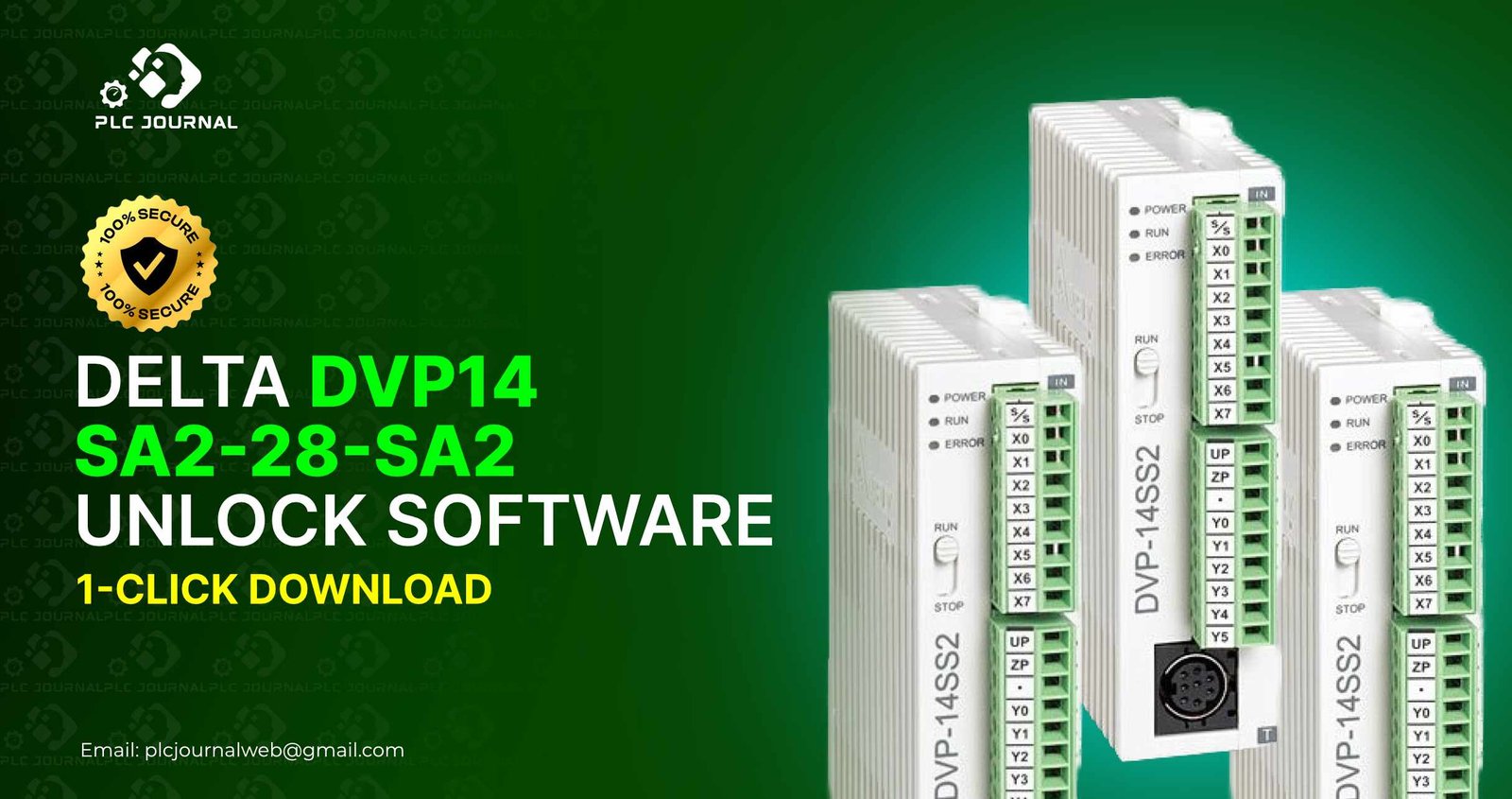
In the fast-paced world of industrial automation, Delta DVP14-SA2-28-SA2 PLCs have consistently proven to be a reliable solution for effectively controlling machines, production lines, and, moreover, automated processes. As a result, they are widely trusted by engineers and technicians who require dependable performance under demanding conditions. However, a common challenge many engineers face is encountering locked PLC programs. These password-protected projects prevent you from accessing, modifying, or troubleshooting your PLC programs efficiently. That is where the Delta DVP14-SA2-28-SA2 Unlock software comes into play.
This article provides a complete guide to unlocking your Delta DVP14-SA2-28-SA2 PLC, including step-by-step instructions, software features, benefits, and a direct 1-click download link from PLCJournal.com, the most trusted website for free PLC and HMI unlock tools worldwide. By the end of this guide, you will have a clear understanding of exactly how to unlock your PLC safely, quickly, and, at the same time, without any risk. Moreover, you will learn practical steps that ensure efficiency while also maintaining system integrity.
What Is Delta DVP14-SA2-28-SA2 Unlock Software?
The Delta DVP14-SA2-28-SA2 Unlock software is a specialized tool designed to remove password protection from locked Delta PLC projects. Manufacturers often lock PLC programs to protect intellectual property, but this can become an obstacle when the password is lost, forgotten, or unavailable. Once locked, a PLC project prevents you from:
- Accessing ladder logic and timers
- Editing system configurations or I/O parameters
- Reading or downloading the program
- Updating communication or macro settings
The Delta DVP14_SA2-28-SA2 Unlock software efficiently removes these restrictions instantly, thereby giving you full access to your PLC program. Moreover, the process is safe, and, importantly, does not modify program logic. As a result, it ensures that all timers, counters, and, at the same time, registers remain fully intact.
Why You Need Delta DVP14-SA2-28-SA2 Unlock
Locked PLC programs can significantly delay production, increase maintenance time, and, moreover, create unnecessary stress for technicians. Fortunately, using the Delta DVP14-SA2_28-SA2 Unlock tool effectively solves these problems. Consequently, here are the main reasons why engineers consistently rely on it:
1. Recover Lost or Forgotten Passwords
Many imported or pre-programmed PLCs often come with password protection. However, the unlock software instantly removes the lock without the need for the original password. As a result, engineers can regain full access quickly and, at the same time, continue their work without interruptions.
2. Modify Existing Logic
Once successfully unlocked, you can make changes to timers, counters, I/O settings, and, of course, ladder logic, thereby allowing you to upgrade and, at the same time, optimize your system for improved performance and efficiency.
3. Reduce Downtime
Moreover, immediate access to PLC logic ensures quick troubleshooting, thereby reducing machine downtime and, at the same time, significantly improving overall productivity. As a result, engineers can maintain smoother operations while also minimizing costly delays.
4. Avoid Rewriting the Program
Recreating a PLC program from scratch is extremely time-consuming. Therefore, unlocking allows you to maintain the original project while also making necessary edits quickly and efficiently. As a result, you can save both time and, at the same time, reduce the risk of introducing errors.
5. Compatibility With All DVP14-SA2 Models
Importantly, this tool supports all variants of the Delta DVP14-SA2 series, therefore making it ideal for industrial maintenance as well as automation projects. Consequently, engineers can rely on it for consistent performance and, at the same time, seamless compatibility across different PLC models.
Key Features of Delta DVP14-SA2-28-SA2 Unlock Software
The Delta DVP14-SA2-28-SA2 Unlock tool comes with advanced features that make it both reliable and user-friendly:
✔ One-Click Unlock
First, perform a clean and, more importantly, instant unlock with just one click. Furthermore, no complicated procedures are required, thereby saving time and, at the same time, minimizing the risk of errors.
✔ Works for All Delta DVP14-SA2 PLC Variants
Compatible with models like DVP14-SA2-28-SA2, DVP14-SA2-24-SA2, and others in the SA2 series.
✔ No Data Loss
Your ladder logic, timers, counters, and register values remain intact after unlocking.
✔ Lightweight & Portable
The software is easy to run on any Windows PC without installation.
✔ Virus-Free & Safe
All downloads from PLCJournal.com are fully tested and 100% free from malware.
✔ Immediate Use
The tool is ready to use as soon as you extract it from the download file.
Consequently, these features make Delta DVP14-SA2-28-SA2 Unlock the most trusted choice for engineers, technicians, and automation professionals worldwide. Moreover, its reliability, speed, and, at the same time, safety ensure consistent performance across various industrial applications.
How Delta DVP14-SA2-28-SA2 Unlock Software Works
The unlock process is simple, even for those with minimal technical experience. Here’s how it works:
Step 1: Download the Software
Access the 1-click download from PLCJournal.com and save the file to your PC.
Step 2: Extract the File
Use WinRAR, 7-Zip, or any extraction tool to open the downloaded file.
Step 3: Connect Your PLC
First, use the appropriate communication cable, either RS-232 or, alternatively, USB, to securely connect the Delta DVP14-SA2-28-SA2 PLC directly to your computer. This ensures reliable data transfer and, at the same time, proper communication between devices.
Step 4: Run the Unlock Tool
Open the executable file. No installation is required.
Step 5: Select the Locked Project
Browse and select your locked PLC program file.
Step 6: Click Unlock
The software will remove the password instantly, giving you full access.
Step 7: Open in WPLSoft
After unlocking, open the project in WPLSoft to edit, upload, or troubleshoot as needed.
The entire process typically takes less than a minute, saving hours of manual work.
Benefits of Using Delta DVP14-SA2-28-SA2 Unlock
The Delta DVP14-SA2-28-SA2 Unlock software clearly offers numerous advantages for engineers, technicians, and automation professionals alike: Moreover, it combines safety, speed, and, at the same time, reliability to enhance overall workflow and efficiency.
- Recover locked PLC programs instantly
- Modify and optimize existing logic
- Reduce production downtime
- Maintain original project data
- Improve workflow efficiency
- Save hours compared to rewriting programs
With these benefits, it’s easy to see why this tool has become a must-have for maintenance teams and system integrators.
Why Download From PLCJournal.com?
PLCJournal.com is the most trusted platform for PLC and HMI unlock software. Engineers worldwide rely on it because it provides:
- Verified and fully working downloads
- No malware, viruses, or corrupted files
- Direct 1-click download links
- Step-by-step guides and usage instructions
- A wide range of unlock tools for all major brands
When you download the Delta DVP14-SA2-28-SA2 Unlock software from PLCJournal.com, you can trust that it is genuine, tested, and ready to use immediately.
Best Practices While Using Delta DVP14-SA2-28-SA2 Unlock
To ensure a smooth and safe unlocking process, follow these tips:
1. Backup Your Original Project
Always keep a backup of your locked PLC program before unlocking.
2. Use a Reliable Cable
Ensure the connection between your PC and PLC is stable to prevent communication errors.
3. Run on a Stable PC
Avoid interruptions or power issues during unlocking.
4. Run as Administrator
This ensures that the tool works without permission or access issues.
Following these tips guarantees successful Delta DVP14-SA2-28-SA2 Unlock every time.
Who Can Benefit From Delta DVP14-SA2-28-SA2 Unlock?
The software is ideal for:
- Industrial automation engineers
- Maintenance technicians
- Machine builders
- System integrators
- SCADA/HMI programmers
- Electrical engineers
- Engineering students and trainees
Essentially, anyone who works with Delta DVP14-SA2 PLCs and, moreover, encounters password-protected programs will undoubtedly find this tool extremely useful. In fact, it provides a fast, safe, and, at the same time, reliable solution for managing and modifying PLC projects efficiently.
Frequently Asked Questions
Q1: Is the unlock software safe?
Yes. It is fully tested and verified, and it does not modify your PLC logic.
Q2: Will it delete my program data?
No. The Delta DVP14-SA2-28-SA2 Unlock tool only removes the password while keeping all ladder logic, timers, counters, and registers intact.
Q3: Which software is compatible with unlocked projects?
Unlocked programs can be opened and edited in WPLSoft or ISPSoft without restrictions.
Q4: Can beginners use the unlock tool?
Absolutely. The process is simple, with step-by-step instructions, making it easy even for new engineers.
Final Thoughts
Locked PLC programs can significantly slow down troubleshooting, delay maintenance, and, moreover, increase downtime costs. Fortunately, the Delta DVP14-SA2-28-SA2 Unlock software offers a fast, reliable, and, most importantly, safe solution that allows you to regain full access to your Delta PLC projects. In addition, with one-click unlocking, no data loss, and, at the same time, full compatibility with all DVP14-SA2-28-SA2 models, this tool has become essential for engineers, technicians, and, of course, automation professionals.
To get started, download the software today from PLCJournal.com, which is widely recognized as the trusted platform for all your PLC and HMI unlock needs. Then, take control of your PLC programs instantly and, as a result, improve your workflow efficiency while also minimizing downtime.