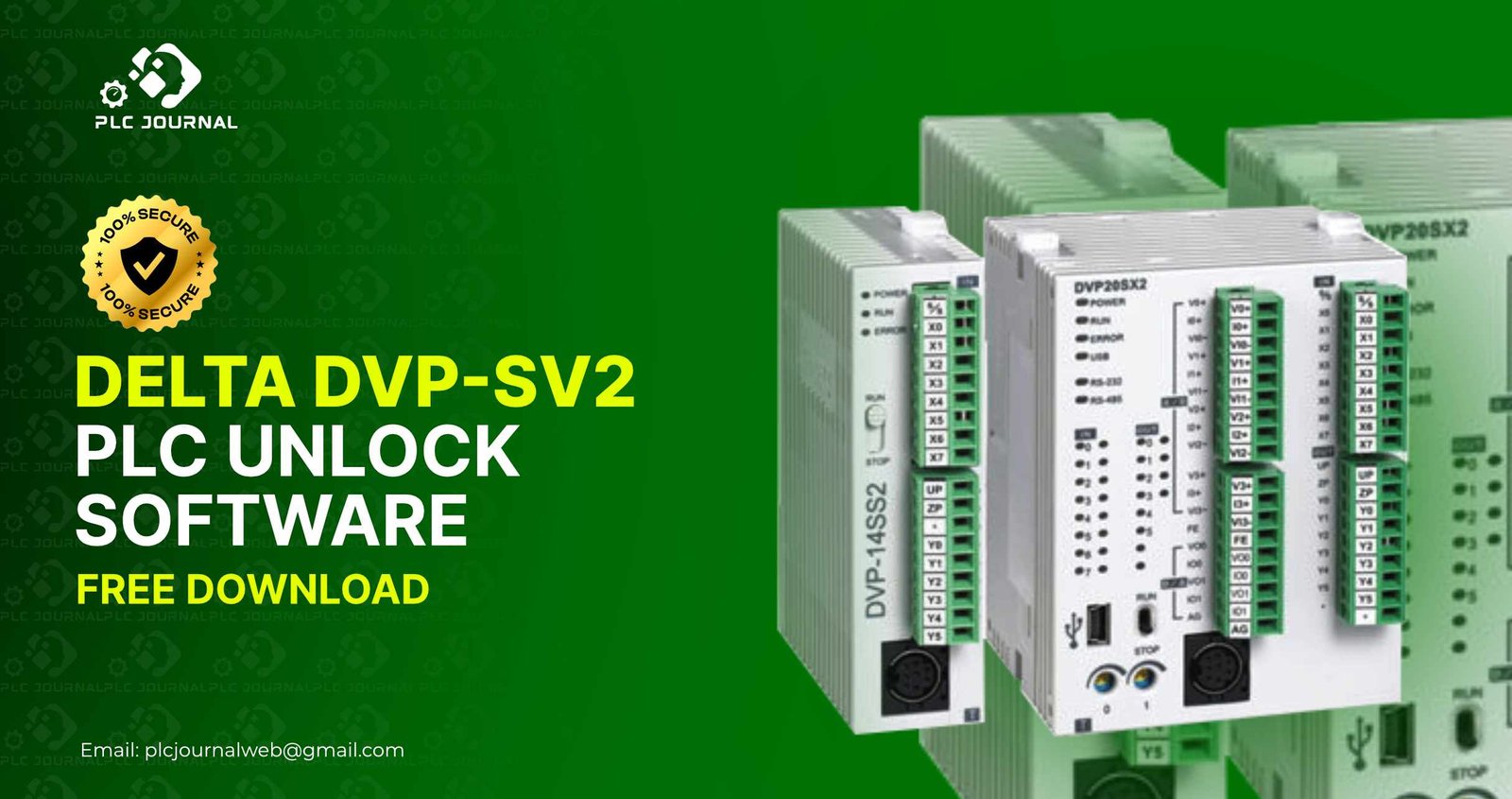
The Delta DVP-SV2 series is not only one of the most powerful but also one of the most widely used PLC families in the automation industry. Furthermore, its high-speed performance, advanced positioning features, and stable communication structure make it, therefore, the heart of thousands of industrial machines, ensuring reliable and efficient operations across diverse applications. However, many technicians frequently face a major challenge-locked PLC programs. When a machine manufacturer sets a password on the program, technicians cannot modify, upload, or troubleshoot the controller. This is where the Delta DVP-SV2 PLC Unlock software becomes essential.
If you are searching for a fast, proven, and ready-to-use solution to unlock Delta SV2 PLC projects, this article will guide you step-by-step. You will also get a direct download link from PLCJournal.com-the world’s most trusted source for free PLC and HMI unlock tools. Every tool published there is tested, verified, and 100% working.
First, let’s explore everything you need to know about unlocking your Delta DVP-SV2 PLC project safely and easily. Moreover, by following this guide, you will understand each step clearly, ensuring a smooth and efficient unlocking process without any risk to your program.
What Is Delta DVP-SV2 PLC Unlock Software?
The Delta DVP-SV2 PLC Unlock software is, therefore, a specialized tool specifically developed to safely and efficiently remove password protection from DVP-SV2 series PLC programs. Moreover, by using this tool, engineers can quickly regain full access to their projects without risking data loss or program corruption. When a program is locked, you cannot open the ladder logic, edit parameters, read data, or upload the project from the PLC. This becomes a huge issue in situations like:
- Machine breakdowns can lead to unexpected production halts, increased maintenance costs, and delays in project deadlines. Consequently, having reliable tools and quick access to PLC programs is essential to minimize downtime and ensure smooth operations.
- Program modification is often necessary to update system logic, improve performance, or adapt to new production requirements. Therefore, having full access to PLC programs is crucial, as it allows engineers to make changes efficiently, safely, and without causing unexpected errors.
- System upgrades are essential for enhancing performance, integrating new features, and maintaining compatibility with evolving industrial standards. Therefore, ensuring full access to PLC programs is crucial, as it allows engineers to implement upgrades efficiently, safely, and with minimal disruption to ongoing operations.
- Fault diagnosis is a critical step in identifying and resolving issues within industrial systems. Therefore, having complete access to PLC programs is essential, as it allows engineers to accurately detect errors, implement corrective measures efficiently, and minimize downtime.
- Program backup creation is an essential practice for preserving the integrity of PLC projects. Consequently, it ensures that engineers can restore previous versions if needed, prevent data loss, and maintain continuous, uninterrupted system operations.
The unlock software removes only the password layer while keeping your full logic and configuration safe. You don’t need to rewrite the program or contact the original supplier-unlocking happens instantly with just one click.
Why Do You Need a Delta DVP-SV2 PLC Unlock Tool?
Locked PLC programs not only stop production but also increase maintenance time and, as a result, create unnecessary technical complications. Therefore, it is clear why using a Delta DVP-SV2 PLC Unlock tool offers significant advantages. Here are the top benefits:
1. Recover Lost or Unknown Passwords
Most imported machines often come with locked PLC programs. Consequently, without a password, editing becomes impossible, which can delay maintenance and production. However, the unlock tool solves this issue instantly, thereby enabling engineers to regain full access and continue their work efficiently.
2. Edit Logic and Make Modifications Anytime
Do you need to add timers, adjust counters, or modify sequences? Fortunately, you can do all of this easily after unlocking the PLC file. Moreover, this access not only simplifies modifications but also ensures that updates are implemented safely and efficiently, minimizing downtime.
3. Reduce Downtime and Troubleshooting Time
Quick access to the ladder logic not only allows you to diagnose machine faults faster but also enables you to restore production quickly. Furthermore, by having immediate access, engineers can prevent extended downtime, minimize operational delays, and maintain overall system efficiency.
4. Avoid Full Program Redevelopment
Rewriting a full logic program can take several days and often requires significant effort. However, by unlocking the PLC, you can save enormous time and effort. Moreover, this approach not only accelerates project completion but also reduces the risk of errors and ensures smoother workflow.
5. 100% Safe for Program Data
The tool only removes the password protection. It never modifies or corrupts the original logic.
Because of these advantages, engineers around the world depend on the Delta DVP-SV2 PLC Unlock software for daily work.
How Delta DVP-SV2 PLC Unlock Software Works
Even though the decoding engine inside the tool is advanced, the user interface is extremely simple. Anyone with basic computer skills can use it.
Here’s a step-by-step guide on how to unlock any DVP-SV2 PLC program efficiently and safely. Moreover, by following these instructions carefully, you can regain full access to your PLC projects quickly, minimize downtime, and ensure smooth system operation.
Step 1: Get the Locked PLC File
The file can typically be downloaded from the PLC using either WPLSoft or ISPSoft, depending on the model and project type. Furthermore, selecting the appropriate software ensures a smooth transfer process, prevents errors, and allows engineers to work efficiently on the project.
Step 2: Open the Unlock Tool
First, run the Delta DVP-SV2 PLC Unlock application on your computer. Then, by following the on-screen instructions carefully, you can ensure a smooth and efficient unlocking process without risking any program data.
Step 3: Import the Locked File
Next, browse and carefully select the locked project file. By doing so, you ensure that the correct file is chosen, which helps prevent errors and allows the unlocking process to proceed smoothly and efficiently.
Step 4: Click the Unlock Button
Then, the software automatically removes the password within seconds. As a result, engineers can regain full access quickly, avoid unnecessary delays, and continue working on their projects efficiently.
Step 5: Open the File in WPLSoft/ISPSoft
Once unlocked, you can freely modify, edit, or upload the program without restrictions. Moreover, this full access allows engineers to implement updates efficiently, troubleshoot effectively, and ensure smooth, uninterrupted system operations.
Fortunately, this simple process quickly restores full access to your PLC project in no time. Consequently, engineers can resume their work immediately, reduce downtime, and maintain seamless production operations.
Key Features of the Delta DVP-SV2 PLC Unlock Tool
This unlock tool is preferred by professional automation engineers due to its powerful features:
✔ One-Click Unlock System
You can remove the password instantly without any technical knowledge.
✔ Supports All DVP-SV2 Series Models
Perfect for:
- DVP32SV2
- DVP16SV2
- DVP60SV2
- DVP20SV2
- And other SV2 series modules
✔ Fully Compatible with WPLSoft & ISPSoft
Regardless of whether the project was created in older or newer software versions, unlocking works flawlessly.
✔ No Data Loss or Program Modification
Your timers, counters, M registers, D registers, comments, and logic remain untouched.
✔ Lightweight, Portable & Fast
Runs smoothly on any Windows system and requires no installation.
✔ 100% Safe and Virus-Free
All files uploaded on PLCJournal.com are tested and verified.
Consequently, these features make the Delta DVP-SV2 PLC Unlock tool one of the most reliable and indispensable utilities for PLC maintenance professionals. Moreover, by combining efficiency, safety, and ease of use, it significantly enhances workflow and reduces downtime in industrial environments.
Why Download From PLCJournal.com?
Automation engineers trust PLCJournal.com for several strong reasons:
- Clean and virus-free downloads
- No broken links
- Instant, one-click download
- Only tested and working tools
- High-quality technical articles for guidance
This platform has become a global leader for PLC and HMI unlock software. When you download the Delta DVP-SV2 PLC Unlock tool from PLCJournal.com, you get a ready-to-use version that works on all real-world machines.
How to Download the Delta DVP-SV2 PLC Unlock Software
Downloading is extremely simple:
- Go to the download section at the bottom of the article
- Click the One-Click Download button
- Your file will start downloading immediately
- Extract the ZIP file to your PC
- Open and run the unlock tool
No signup, no delay, and no unnecessary steps.
How to Use the Unlock Tool (Step-by-Step Guide)
Once downloaded, follow these steps:
1. Extract the Folder
Use WinRAR or 7-Zip.
2. Run the Unlock Program
Open the .exe file.
3. Browse Your Locked Project
Choose the file you want to unlock.
4. Click on Unlock
The software removes the password instantly.
5. Open the Unlocked File
Now you can load the project into WPLSoft or ISPSoft and start editing.
This straightforward process makes PLC unlocking easier than ever.
Best Practices for Unlocking Delta PLC Projects
To ensure the safe and effective use of the Delta DVP-SV2 PLC Unlock tool, it is important to follow these practical tips carefully. Additionally, by adhering to these guidelines, you can prevent errors, protect your PLC programs, and achieve efficient, trouble-free unlocking every time.
✔ Create a Backup
Always create a backup of your original locked file before unlocking.
✔ Use the Tool for Authorized Purpose
Unlock only the equipment you own or maintain legally.
✔ Keep Software Updated
To ensure seamless operation, always use the latest versions of WPLSoft or ISPSoft; additionally, this helps prevent potential compatibility issues.
✔ Run as Administrator
This ensures smooth operation on all Windows systems.
Furthermore, these best practices not only help maintain safety but also reinforce professional responsibility. In addition, by consistently following them, engineers can minimize risks, ensure compliance, and promote efficient and reliable operations.
Who Should Use the Delta DVP-SV2 PLC Unlock Tool?
This unlock software is extremely useful for:
- PLC programmers
- Industrial automation engineers
- Maintenance technicians
- Machine manufacturers
- Troubleshooting experts
- Engineering students
- Freelancers providing automation services
Therefore, anyone dealing with Delta SV2 series PLCs will undoubtedly find this tool essential, as it not only simplifies operations but also enhances overall efficiency.
Final Thoughts
Locked PLC programs can not only delay production but also slow down troubleshooting and, as a result, increase maintenance costs. Fortunately, the Delta DVP-SV2 PLC Unlock software offers an immediate solution to regain full access to your program. Moreover, with its one-click unlocking system, safe operation, and full compatibility with all SV2 models, it stands out as the most reliable tool for industrial automation professionals.
PLCJournal.com ensures that every download is genuine, working, and secure. If you want a fast, effective, and completely free unlock tool, this is the perfect solution for you.