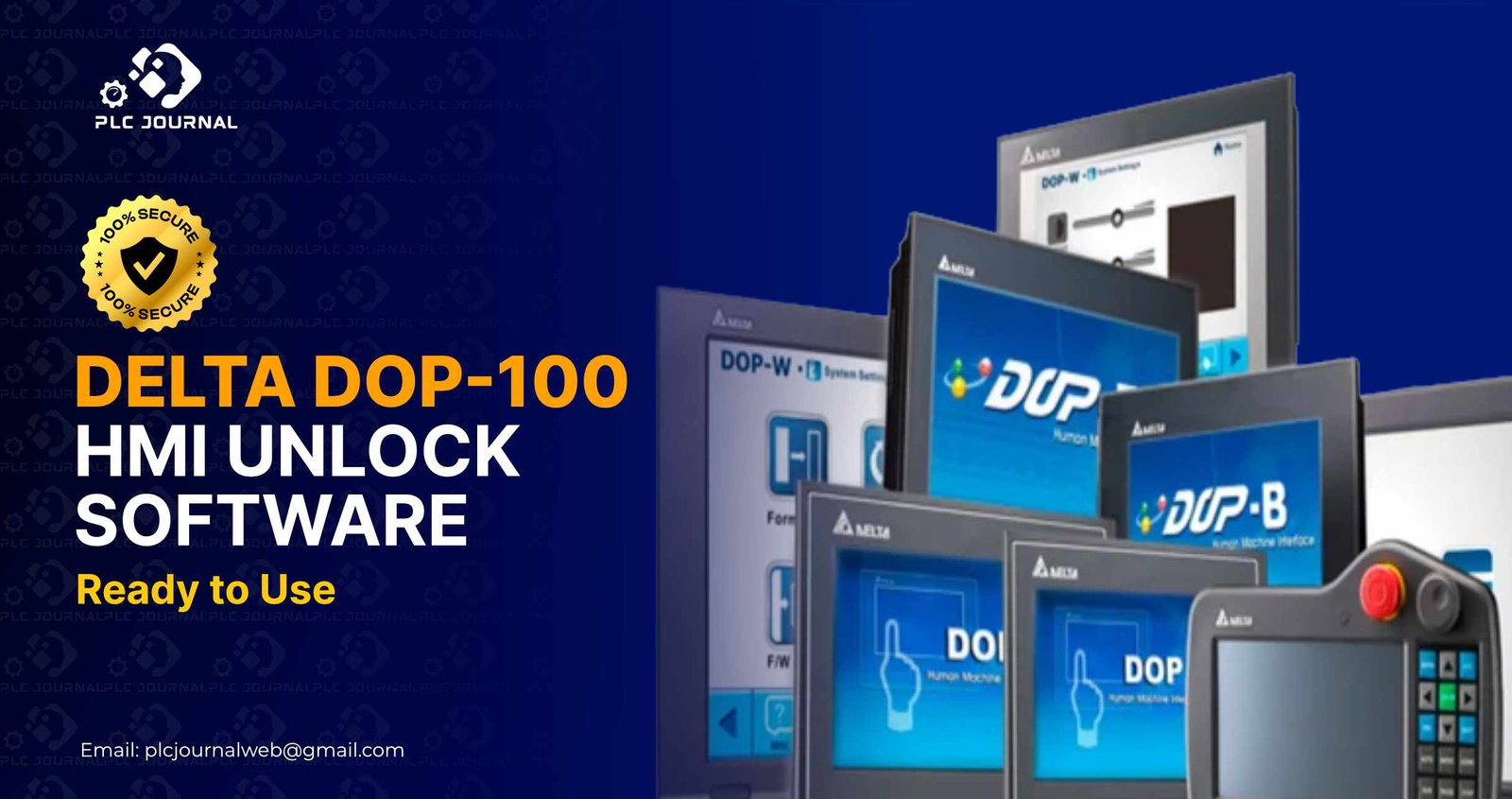
Indeed, unlocking an HMI project is often considered one of the biggest challenges in industrial automation, especially when dealing with complex systems and strict security protocols. Consequently, many technicians frequently receive locked Delta HMI files from machines that come without documentation or passwords, which can significantly slow down maintenance and troubleshooting processes. When these projects are protected, you cannot open the screen pages, modify graphics, edit alarms, or troubleshoot system logic. That’s exactly why engineers around the world trust a reliable Delta DOP-100 HMI Unlock tool.
In this detailed guide, you’ll not only discover everything about unlocking Delta DOP-100 HMI projects but also learn how the software works and how you can download a 100% working tool from PLCJournal.com – a globally trusted platform for PLC, HMI, VFD, and servo unlock software. Moreover, this article is carefully crafted to enhance your reading experience, ensuring that you remain informed and engaged from beginning to end.
Now, let’s dive into the complete unlocking solution, so that you can fully understand the process step by step and take full advantage of its features
What Is Delta DOP-100 HMI Unlock Software?
Typically, Delta DOP-100 HMIs are programmed using DOPSoft V4, which is Delta’s latest and most powerful HMI configuration software, and therefore provides enhanced functionality, improved performance, and greater ease of use. When manufacturers upload a project to the HMI, they often apply password protection for security. Once locked, you cannot:
- Open the project in DOPSoft
- View screen pages
- Access macro scripts
- Edit alarm tables
- Modify communication settings
- Download the project without a password
If the password is forgotten or unavailable, unlocking becomes essential. The Delta DOP-100 HMI Unlock software is specifically designed to safely and efficiently remove password protection from locked HMI project files. Once unlocked, you can not only open the full project in DOPSoft but also edit screens freely and make any required changes instantly, thereby streamlining your workflow and saving valuable time.
Why Do Engineers Need a Delta DOP-100 HMI Unlock Tool?
Today, modern automation systems depend heavily on HMIs, as they not only enable operator control but also facilitate real-time machine monitoring, thereby ensuring efficient and reliable operations. If the HMI program is locked, troubleshooting becomes complicated and time-consuming.
Here are the top reasons why engineers frequently and confidently choose to use a Delta DOP-100 HMI Unlock tool, as it not only simplifies complex tasks but also enhances productivity, ensures reliability, and ultimately saves valuable time. In addition to highlighting its efficiency and reliability, this tool also demonstrates its essential role in industrial automation, thereby making it an indispensable solution for professionals.
1. Recover Forgotten or Lost Passwords
Typically, most machines imported from abroad come with password-protected HMIs; as a result, technicians often face challenges when attempting to access or modify the system settings. When suppliers don’t share the password, unlocking becomes the only practical solution.
2. Edit and Upgrade Old HMI Projects
If you need to modify screen designs, update communication settings, or add new alarms, unlocking the project is mandatory.
3. Solve Machine Breakdowns Faster
During breakdowns, quick access to HMI logic is crucial. Consequently, waiting for password recovery not only delays operations but also wastes valuable production time.
4. Avoid Recreating Projects From Zero
Designing a new HMI project takes hours or even days. When you unlock the existing project, you save time and reduce effort.
5. Fully Compatible with All Delta DOP-100 Models
No matter which HMI model you use-
DOP-107BV, DOP-110WS, DOP-107CV, DOP-103BQ, DOP-110CS-the tool works for all.
Because of these advantages, Delta DOP-100 HMI Unlock software has become a must-have tool for automation engineers.
How Delta DOP-100 HMI Unlock Software Works
Even though the internal decoding mechanism is advanced, the software is incredibly simple to use. Specifically, it works by removing only the password protection layer, while at the same time preserving your graphics, macros, and communication settings, ensuring that your project remains fully intact and functional.
Here’s the complete process:
Step 1: Locate the Locked HMI Project File
Delta HMI project files usually have .dop, .dpa, or DOPSoft V4 project folder formats.
Step 2: Open the Unlock Tool
Run the ready-to-use Delta DOP-100 HMI Unlock software.
Step 3: Select the Locked Project
Import the file into the tool.
Step 4: Click the Unlock Button
The tool instantly clears the password protection.
Step 5: Open the Project in DOPSoft
Now, you can fully edit the project inside DOPSoft V4 without any restrictions, thereby allowing you to make necessary changes efficiently, streamline your workflow, and optimize your HMI configuration.
Moreover, this extremely fast process not only saves valuable time but also significantly enhances maintenance efficiency, ensuring smoother and more reliable operations.
Top Features of Delta DOP-100 HMI Unlock Tool
Technicians prefer this unlock software because it provides premium features that simplify their work. Some of the major features include:
✔ Instant One-Click Unlock
The software removes protection immediately-no technical skills required.
✔ Works for All Delta DOP-100 Series HMIs
Compatible with all latest Delta HMI models.
✔ No Data Loss
The tool does not edit or damage screen pages, texts, macros, or images.
✔ Ultra-Lightweight
The file size is very small and runs smoothly on any device.
✔ Windows Compatibility
Works on:
- Windows 7
- Windows 8
- Windows 10
- Windows 11
✔ 100% Virus-Free
PLCJournal.com tests all tools before uploading to keep users safe.
✔ No Installation Required
The tool works instantly after extraction-no installation needed.
Overall, these features make the Delta DOP-100 HMI Unlock tool not only a powerful asset for industrial maintenance teams but also an indispensable solution that enhances productivity, simplifies complex tasks, and ensures reliable operation.
Why Download From PLCJournal.com?
PLCJournal.com has earned the trust of engineers worldwide because it consistently provides premium software that is:
- Clean and virus-free
- Completely free to download
- Fully tested before publishing
- Explained with detailed guides
- Delivered through fast, one-click download links
Typically, users download unlock tools only after thoroughly reading the complete articles, which not only ensures proper use but also leads to greater satisfaction. Consequently, this is why thousands of visitors return every day for reliable PLC and HMI unlock solutions.
The Delta DOP-100 HMI Unlock software available here is 100% working and ready for real-world use.
Download Delta DOP-100 HMI Unlock Software (Ready to Use)
Fortunately, you can conveniently download the updated version of the software directly from the download section of the article on PLCJournal.com, which not only ensures you have the latest features but also guarantees safe and reliable installation. Moreover, the process is simple and straightforward:
- Scroll to the bottom of the page
- Click the One-Click Download button
- The file will start downloading immediately
No pop-ups, no ads, no login-just clean and ultra-fast access.
How to Use the Unlock Tool After Downloading
Once you have completed the download, you can then follow the 5 simple steps outlined below, which will guide you through the process quickly and efficiently.
1. Extract the ZIP File
To begin, use WinRAR or 7-Zip to open the compressed download, which will allow you to access all the necessary files quickly and without any issues.
2. Run the Unlock Application
Next, simply double-click to launch the tool, which will immediately open the application and prepare it for use.
3. Load the Project File
Choose the locked DOPSoft project from your PC.
4. Press Unlock
The software will remove all password layers in seconds.
5. Open the File in DOPSoft
You now have complete editing access.
This process ensures safe unlocking without damaging your project content.
Best Practices While Unlocking HMI Projects
To ensure safe usage, follow these professional recommendations:
✔ Create a Backup
Always keep a backup of your original HMI project before unlocking.
✔ Use on Authorized Equipment
The tool is designed for maintenance, learning, and recovery purposes.
✔ Update DOPSoft
Use the latest DOPSoft version to avoid compatibility issues.
✔ Run as Administrator
This ensures your unlock process runs smoothly.
By following these practices, you maximize the performance of the Delta DOP-100 HMI Unlock tool.
Who Should Use This Unlock Tool?
This unlock solution is ideal for:
- Machine builders
- Automation engineers
- Industrial electricians
- Maintenance technicians
- SCADA/HMI designers
- Engineering students
- Freelancers
Therefore, anyone working with Delta HMI projects will greatly benefit from this powerful and versatile tool, as it not only simplifies complex tasks but also enhances overall productivity.
Final Thoughts
Locked HMI projects can not only halt troubleshooting but also delay system upgrades and increase overall downtime. However, with the Delta DOP-100 HMI Unlock software, you can immediately unlock your DOP-100 HMI projects and open them in DOPSoft without any limitations. Moreover, the tool is fast, secure, and fully compatible with all Delta HMI models, making it an indispensable solution for engineers and technicians.
Moreover, PLCJournal.com serves as a trusted platform, allowing you to conveniently download fully functional unlock tools for free, which helps streamline your automation projects. If you want a quick, reliable, and ready-to-use solution to unlock Delta HMI projects, this tool is perfect for you.