


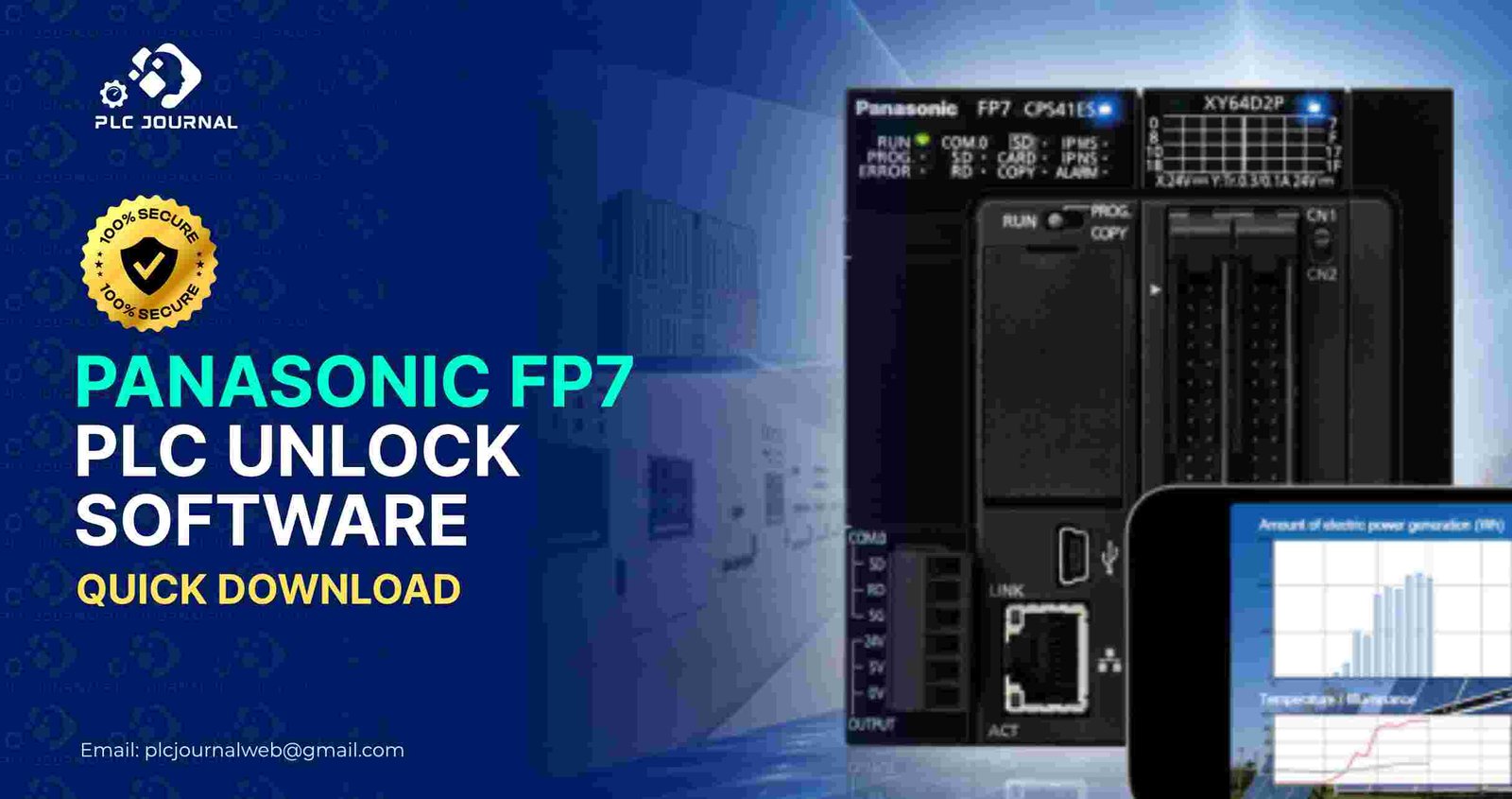
In the industrial automation world, Panasonic PLCs have long been trusted for their reliability, precision, and, moreover, performance. Among these, the Panasonic FP7 series PLC stands out for its flexibility, as well as, advanced control capabilities. Consequently, it remains a top choice for engineers and technicians alike. However, users often encounter a situation where the PLC is password-protected, restricting access to critical program data. This is exactly where the Panasonic FP7 PLC Unlock software becomes essential. Furthermore, in this article, we provide a comprehensive guide on downloading, installing, and, moreover, using the software efficiently. As a result, engineers can unlock their PLCs quickly and, at the same time, safely.
Why You Need Panasonic FP7 PLC Unlock Software
PLC security is crucial for protecting proprietary industrial programs. However, forgetting passwords or inheriting locked PLCs can halt production and delay maintenance. The Panasonic FP7 PLC_Unlock software offers a quick solution, therefore enabling users to regain access without, at the same time, damaging the system or, moreover, losing important data. Consequently, engineers can continue their work efficiently and safely.
Here’s why using the official unlock software is vital:
- Instant Access – Avoid long downtime with instant unlocking capabilities.
- Data Safety – Protect existing programs and avoid unwanted deletions.
- User-Friendly – Designed for both beginners and experienced engineers.
- Reliable and Secure – Eliminates the risk of corrupting PLC memory.
- Compatibility – Works with all Panasonic FP7 PLC models.
By utilizing the Panasonic FP7 PLC_Unlock, you ensure that your operations continue smoothly, while also protecting your valuable automation data. Furthermore, this approach minimizes downtime and, as a result, maintains overall system efficiency.
Features of Panasonic FP7 PLC Unlock Software
The software is packed with features that make it a must-have for automation engineers:
- One-Click Unlock: Quickly unlock FP7 PLCs with a single click.
- Full Compatibility: Supports all FP7 series models, including high-end units.
- Offline Functionality: Unlock your PLCs without an internet connection.
- No Programming Knowledge Needed: The interface is intuitive and easy to navigate.
- Fast Operation: Unlocks PLCs in just a few seconds, saving time and effort.
- System Integrity: Maintains all ladder logic and function blocks intact.
By using the Panasonic FP7 PLC Unlock, you ensure uninterrupted access to PLC programs, thereby enhancing productivity and, as a result, improving workflow efficiency. Moreover, it helps engineers complete tasks faster and, at the same time, more reliably.
Step-by-Step Guide to Download and Install Panasonic FP7 PLC Unlock Software
Downloading and installing the Panasonic_FP7 PLC Unlock software is straightforward. First, follow these steps: then, proceed carefully to ensure successful installation, and finally, start using the software efficiently.
Step 1: Visit a Trusted Source
Go to PLCJournal.com, a reliable source for PLC and HMI unlock software worldwide. This website ensures that you download 100% safe and virus-free software.
Step 2: Locate the Software
First, search for Panasonic_FP7 PLC Unlock on the website. Then, you will find the latest version ready for immediate download, thereby ensuring you always use the most up-to-date and reliable tool. Consequently, the process becomes faster and, moreover, safer for your PLC projects.
Step 3: Download the Installer
Click the download button. Ensure that you save the file to a known location on your PC.
Step 4: Install the Software
- Double-click the downloaded installer.
- Follow the on-screen instructions.
- Accept the license agreement.
- Choose your preferred installation directory.
- Click Finish when installation completes.
Step 5: Launch and Connect
First, open the software and then connect your Panasonic FP7 PLC via USB or Ethernet. Next, the interface will detect the PLC automatically, thereby simplifying the setup process and, as a result, saving valuable time.
How to Unlock Your Panasonic FP7 PLC
Unlocking your PLC is easy once the software is installed:
- Open the Panasonic_FP7 PLC Unlock software.
- Select the connected PLC from the list.
- Click the Unlock button.
- Wait for the process to complete (usually a few seconds).
- Access your ladder logic, program memory, and configuration settings.
Overall, the Panasonic FP7 PLC Unlock process is safe, and, as a result, ensures all data remains intact, thereby preventing downtime and, moreover, avoiding data loss. Consequently, engineers can work confidently and, at the same time, efficiently.
Tips for a Smooth Panasonic FP7 PLC Software Unlocking Process
For optimal results when using the Panasonic FP7 PLC Unlock software, follow these tips:
- Ensure your PC has stable power during the unlock process.
- Use a verified USB or Ethernet cable for connection.
- Avoid interrupting the unlocking process to prevent errors.
- Backup your PLC programs regularly, even though unlocking is safe.
- Keep the software updated to benefit from new features and bug fixes.
These precautions ensure that your PLC unlocking process is smooth, fast, and secure.
Advantages Over Traditional Methods
Before software solutions like Panasonic FP7 PLC Unlock, engineers had to rely on complicated methods such as hardware bypasses or manual resets. These traditional methods carry risks of:
- Program corruption
- PLC damage
- Extended downtime
- Potential safety hazards
In contrast, the Panasonic FP7 PLC Unlock software offers a safe, fast, and user-friendly solution, eliminating these risks. It is an essential tool for any automation professional dealing with Panasonic FP7 PLCs.
Frequently Asked Questions (FAQ) – Panasonic FP7 PLC Unlock Software
Q1: Is the software free?
Yes, the Panasonic FP7 PLC Unlock is available for free download on trusted platforms like PLCJournal.com.
Q2: Will unlocking my PLC erase data?
No. The software unlocks the PLC without affecting the ladder logic or configuration data.
Q3: Can beginners use this software?
Absolutely. The software is designed with a simple, intuitive interface suitable for both beginners and experienced engineers.
Q4: Does it support all Panasonic FP7 PLC models?
Yes. The software supports the entire FP7 series.
Q5: Is it safe for industrial use?
Yes. It is tested and verified for safety and reliability, ensuring it won’t damage your PLC.
Why Download From PLCJournal.com
Choosing the right source is crucial for safe and effective software downloads. PLCJournal.com provides:
- Verified, virus-free downloads
- Step-by-step installation guides
- Immediate access to the latest versions
- Reliable support and tutorials
- Trusted by engineers worldwide
By downloading the Panasonic FP7 PLC Unlock software from PLCJournal.com, you ensure a secure and hassle-free experience.
Conclusion – Panasonic FP7 PLC Unlock Software
The Panasonic FP7 PLC Unlock software is truly a game-changer for engineers and, moreover, technicians managing Panasonic FP7 PLCs. In addition, it offers a fast, safe, and, as a result, reliable way to unlock password-protected PLCs without compromising program integrity. Furthermore, with a user-friendly interface and, at the same time, one-click unlocking, it saves time and, consequently, enhances productivity.
By following the steps outlined above and downloading the software from trusted sources like PLCJournal.com, you can regain control over your PLC programs instantly. Say goodbye to downtime, complicated hacks, and lost data-embrace the convenience and efficiency of the Panasonic FP7 PLC Unlock software today.




