


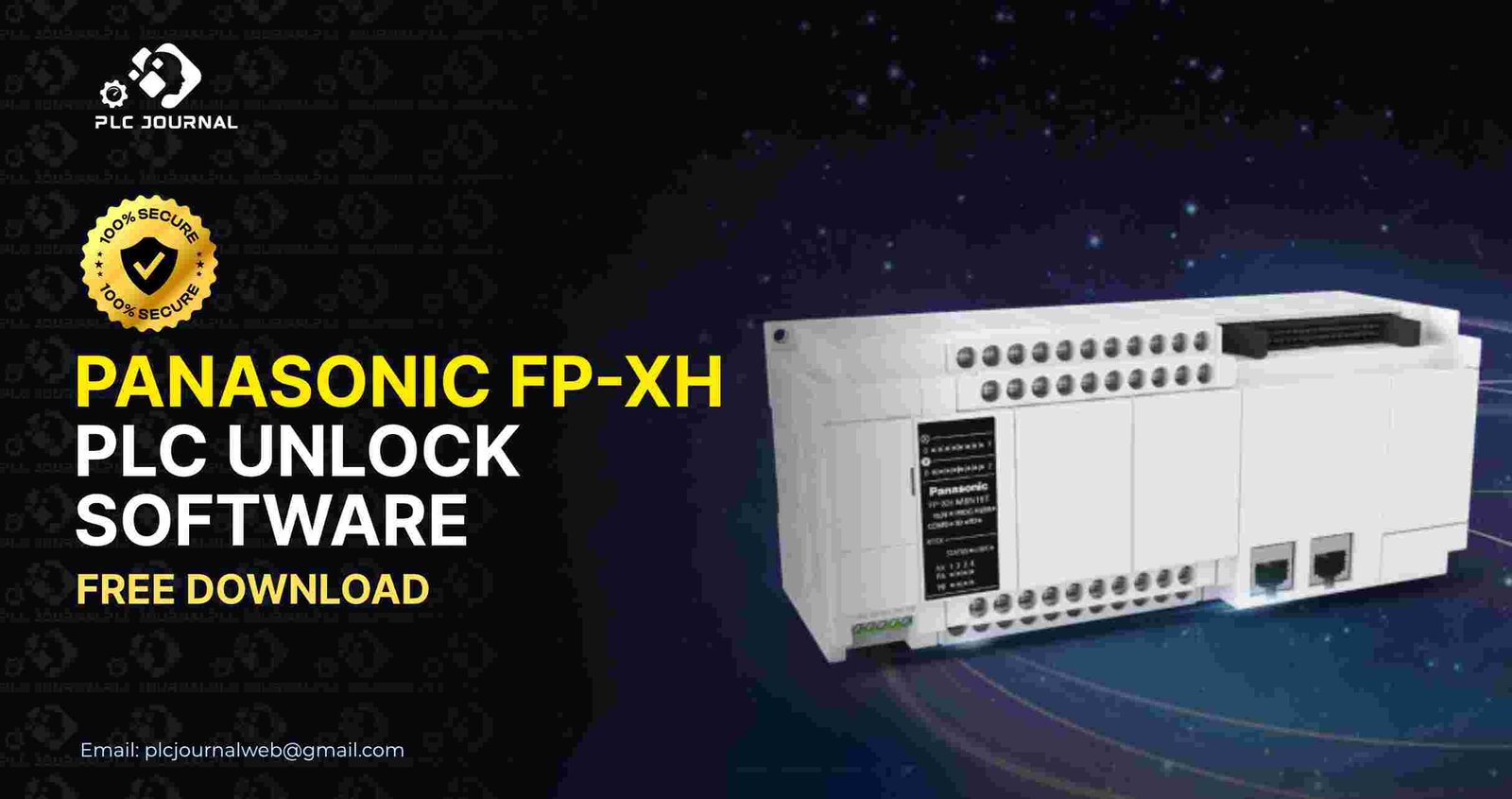
In the world of industrial automation, Panasonic PLCs are widely recognized for their reliability, precision, and, moreover, advanced features. Similarly, the Panasonic FP-XH series is no exception, as it offers high-speed processing, flexible communication options, and, therefore, robust control for complex applications. However, engineers and technicians sometimes face a locked PLC due to forgotten passwords or inherited programs, which can halt operations. This is precisely where the Panasonic FP-XH PLC Unlock software becomes indispensable. Furthermore, in this guide, we explain everything you need to know about downloading, installing, and, moreover, using this powerful software safely and, as a result, efficiently.
Why You Need Panasonic FP-XH PLC Unlock Software
Password-protected PLCs ensure program security, but when you lose access, production delays can be costly. The Panasonic FP-XH PLC Unlock software allows you to regain full access to your PLC quickly and, moreover, safely. Consequently, here’s why it’s a must-have for automation professionals:
- Instant Access: Unlock your PLC in seconds and resume operations immediately.
- Data Protection: Keep your programs, logic, and configuration safe.
- User-Friendly: Intuitive interface makes it easy even for beginners.
- Reliable and Secure: Avoid PLC corruption or hardware damage.
- Comprehensive Compatibility: Works with all FP-XH PLC models.
By using the Panasonic FP-XH PLC Unlock software, you can maintain uninterrupted production, while also protecting your valuable automation projects. Furthermore, this approach minimizes downtime and, as a result, ensures the safety and integrity of your PLC systems.
Key Features of Panasonic FP-XH PLC Unlock Software
The software offers advanced features, all of which are designed to make unlocking safe, fast, and, as a result, efficient: moreover, these features help engineers complete tasks quickly while also ensuring data integrity.
- One-Click Unlock: Unlock FP-XH PLCs instantly with a single click.
- Full Series Support: Compatible with all Panasonic FP-XH models, from basic to advanced.
- Offline Functionality: No internet connection required, perfect for industrial environments.
- Safe and Reliable: Maintains all program data and system configurations intact.
- Fast Operation: Reduces downtime by unlocking PLCs in just a few seconds.
- Easy to Use: No programming experience required.
Altogether, these features make the Panasonic FP-XH PLC_Unlock software a critical tool for engineers and, moreover, maintenance teams worldwide. As a result, it enhances efficiency, and, at the same time, ensures reliable and safe access to PLC programs.
Step-by-Step Guide to Download and Install
Downloading and installing the Panasonic FP-XH PLC_Unlock software is straightforward and safe when done through trusted sources like PLCJournal.com. Follow these simple steps:
Step
1: Visit the Trusted Website
Go to PLCJournal.com, a reputable site for free PLC and HMI unlock software downloads.
2: Find the Software
First, search for Panasonic FP-XH PLC Unlock. Then, you’ll find the latest version ready for quick download, thereby ensuring you always use the most up-to-date and reliable tool. Consequently, the process becomes faster and, moreover, safer for your PLC projects.
3: Download the Installer
Next, click the download button and then save the file to a familiar location on your PC, thereby making it easy to access later. Furthermore, this step ensures a smooth installation process and, as a result, avoids any confusion.
4: Install the Software
- Open the installer by double-clicking it.
- Follow the on-screen instructions.
- Accept the license agreement.
- Choose your preferred installation directory.
- Complete the installation by clicking Finish.
5: Connect and Launch
First, open the Panasonic FP-XH PLC_Unlock software and then connect your PLC via USB or Ethernet. Next, the software will automatically detect the device, thereby simplifying the setup process and, as a result, saving valuable time.
How to Unlock Your Panasonic FP-XH PLC
Once the software is installed, unlocking your PLC is simple:
- Open the Panasonic FP-XH PLC Unlock application.
- Select your connected PLC from the detected devices list.
- Click the Unlock button.
- Wait a few seconds for the process to complete.
- Access your ladder logic, program memory, and configuration settings safely.
The Panasonic FP-XH PLC_Unlock process ensures that your programs remain intact while giving you full access to modify, update, or troubleshoot the PLC.
Tips for a Successful Unlock
To get the best results while using the Panasonic FP-XH PLC Unlock software, follow these tips:
- Ensure your PC has stable power to avoid interruptions.
- Use verified USB or Ethernet cables for a reliable connection.
- Avoid disconnecting the PLC during the unlocking process.
- Backup your PLC programs regularly to safeguard your data.
- Keep the software updated to benefit from the latest features and fixes.
By following these precautions, you’ll ensure a smooth, fast, and secure unlocking experience.
Advantages of Panasonic PLC Unlock Over Manual Methods
Before software solutions, engineers often relied on complicated and risky methods like hardware resets or jumper tricks. These methods could:
- Corrupt PLC programs
- Damage the hardware
- Cause prolonged downtime
- Create safety risks
Overall, the Panasonic FP-XH PLC_Unlock software eliminates these risks, thereby providing a safe, fast, and, as a result, reliable alternative. Moreover, it is specifically designed for modern industrial needs, ensuring that, your PLC remains fully functional and, at the same time, free from unnecessary hazards.
Frequently Asked Questions (FAQ)
Q1: Is the software free?
Yes, you can download Panasonic FP-XH PLC Unlock for free from trusted sources like PLCJournal.com.
Q2: Will unlocking erase my data?
No. The software unlocks the PLC without affecting ladder logic or configuration data.
Q3: Can beginners use this software?
Absolutely. Its intuitive interface makes it easy for beginners and experienced engineers alike.
Q4: Does it support all FP-XH PLC models?
Yes, it supports the entire Panasonic FP-XH series.
Q5: Is it safe for industrial use?
Yes. The software has been tested for reliability and safety in industrial environments.
Why Download From PLC Journal
Downloading the Panasonic FP-XH PLC Unlock from PLCJournal.com guarantees:
- Verified, virus-free software
- Step-by-step installation guides
- Immediate access to the latest version
- Reliable tutorials and support
- Trusted by automation engineers worldwide
Choosing a reliable source is essential for a secure and efficient PLC unlocking experience.
Conclusion
The Panasonic FP-XH PLC Unlock software is an essential tool for engineers, technicians, and, moreover, automation professionals. In addition, it provides a safe, fast, and, as a result, user-friendly way to regain access to locked PLCs without, at the same time, risking program loss or hardware damage.
By following the installation and usage steps outlined in this guide, and downloading the software from trusted sites like PLCJournal.com, you can ensure seamless PLC management. Unlock your Panasonic FP-XH PLC today, thereby reducing downtime and, at the same time, maintaining control over your industrial processes efficiently. Furthermore, this approach allows engineers to work confidently, while also ensuring smooth and uninterrupted operations.
Key Takeaways:
- Unlock PLCs instantly without data loss
- Compatible with all Panasonic FP-XH models
- Safe, reliable, and beginner-friendly
- One-click unlock process for faster operations
- Trusted download source: PLCJournal.com
Experience the convenience and reliability of the Panasonic FP-XH PLC Unlock software, and, as a result, regain full control of your industrial automation systems today. Furthermore, this powerful tool allows engineers to work efficiently, while also ensuring system safety and uninterrupted operations.




