


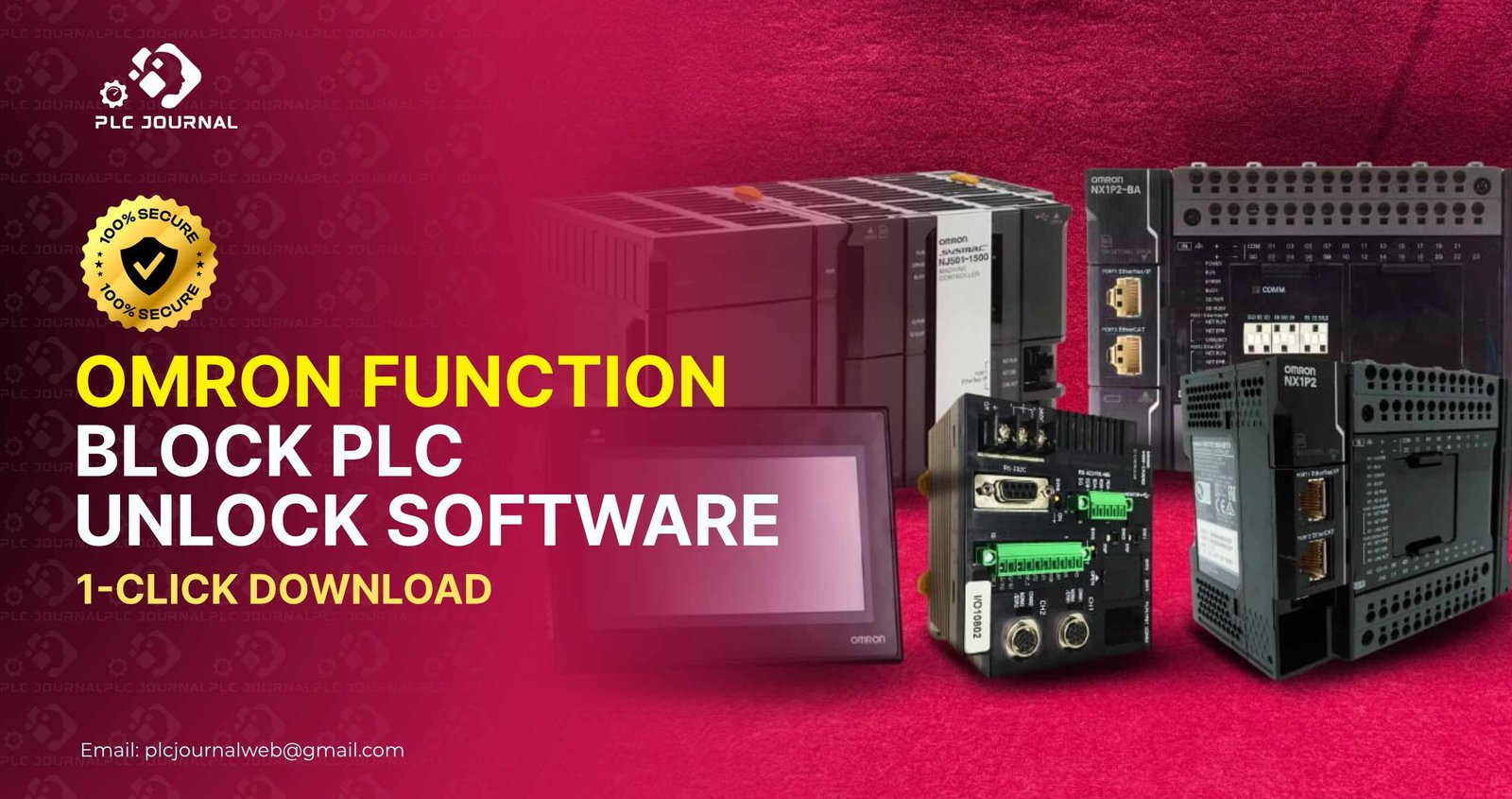
If you are looking for a fast and reliable solution to access restricted function blocks in your Omron PLC, the Omron Function Block PLC Unlock software is your ultimate tool. This powerful software allows engineers, technicians, and, moreover, automation professionals to unlock all function blocks instantly, thereby streamlining project development and, as a result, saving valuable time. Furthermore, in this article, we will explore not only why this software is essential, but also how it works, and, moreover, the safest way to download it.
What is Omron Function Block PLC Unlock?
Omron PLCs are widely used in industrial automation due to their flexibility, performance, and reliability. Function blocks are essential components of PLC programs, allowing you to create reusable logic, structured control, and modular programming. However, many function blocks are password-protected, limiting access and slowing down your workflow.
The Omron Function_Block PLC Unlock software provides a simple 1-click solution to bypass these restrictions. Once unlocked, you can fully edit, copy, and, at the same time, implement function blocks without limitations, thereby ensuring that your projects remain on schedule. Moreover, this approach reduces the dependency on official support channels, and, as a result, enhances overall efficiency.
Why You Need Omron Function Block PLC Unlock
Benefits of Omron Function Block PLC Unlock Notably, using the Omron Function_Block PLC Unlock software consequently offers multiple benefits, thereby furthermore ultimately providing automation professionals with a seamless and efficient unlocking experience significantly.
- Save Time – Unlocking function blocks instantly eliminates the need for password recovery or external support.
- Full Access – Gain complete control over your PLC project and all associated function blocks.
- Increase Productivity – Focus on programming and troubleshooting without being blocked by restricted functions.
- Cost-Effective Solution – Avoid unnecessary licensing fees or additional software costs.
- Safe and Reliable – Download from trusted sources, ensuring malware-free installation and smooth operation.
By unlocking function blocks, you can optimize your automation projects, increase efficiency, and reduce downtime significantly.
Key Features of Omron Function Block PLC Unlock
The Omron Function_Block PLC Unlock software is designed to make PLC programming easier and more efficient. Here are the main features that set it apart:
- 1-Click Unlock – Quickly unlock all function blocks in a single action.
- Wide Compatibility – Supports all major Omron PLC models, including CJ, CP, and NJ series.
- User-Friendly Interface – Simple design ensures that both beginners and professionals can use it effortlessly.
- Offline Functionality – Unlock function blocks without requiring an internet connection.
- High-Speed Performance – Unlock multiple function blocks simultaneously without lag.
- Data Integrity – Preserves your original project files while unlocking function blocks.
These features make the Omron Function Block PLC Unlock an indispensable tool for engineers who want to maintain full control over their projects.
Step-by-Step Guide to Download Omron Function Block PLC Unlock
Downloading and using the software is straightforward. Follow these steps for a safe and fast setup:
- Visit PLC Journal – Go to PLC Journal, a trusted platform for PLC and HMI unlock software.
- Search for the Software – Look for “Omron Function Block PLC Unlock” on the website. You will find a detailed guide with a secure download link.
- Download the Software – Click the download button and ensure your internet connection is stable.
- Install the Tool – Open the setup file and follow the instructions to install the software.
- Unlock Function Blocks – Launch the software, select your project, and unlock all restricted function blocks with one click.
- Verify Access – Open your PLC project in Omron programming software to confirm that all function blocks are now accessible.
Following these steps guarantees a smooth and safe unlocking process, letting you focus on your automation tasks.
How Omron Function Block PLC Unlock Boosts Productivity
Unlocking function blocks is not just about access; it also significantly improves your workflow and efficiency.
- Faster Programming – Access all function blocks immediately, allowing you to implement changes and improvements without delay.
- Enhanced Troubleshooting – Debugging becomes easier when all function blocks are fully accessible.
- Project Reusability – Unlocked function blocks can reused across multiple projects without restrictions.
- Learning Opportunity – Explore advanced function block programming techniques without limitations, enhancing your skills and expertise.
- Reduced Downtime – Avoid delays caused by locked function blocks, ensuring your production system runs smoothly.
With the Omron Function Block PLC Unlock, your automation projects become more agile, reliable, and efficient.
Best Practices for Using Omron Function Block PLC Unlock
To make the most of the Omron Function Block PLC Unlock, follow these expert tips:
- Backup Your Projects – Always save a copy of your project before unlocking function blocks to prevent accidental data loss.
- Use the Latest Version – Ensure that you download the newest version of the unlock tool for full compatibility.
- Follow Security Guidelines – Unlock function blocks only in authorized projects and systems.
- Regular Updates – Check trusted sources like PLC Journal for software updates to maintain performance and security.
- Avoid Unverified Sources – Downloading from unofficial websites may introduce malware or corrupted files.
By following these best practices, you can unlock function blocks safely and efficiently, improving your overall workflow.
Frequently Asked Questions (FAQ)
Q1: Is Omron Function Block PLC Unlock safe?
Yes, when downloaded from trusted platforms like PLC Journal, the software is completely safe and malware-free.
Q2: Can I unlock multiple projects at the same time?
Yes, the software supports batch unlocking of function blocks across several projects.
Q3: Do I need advanced technical skills to use this software?
No, the software designed for both beginners and experienced engineers. Its intuitive interface ensures ease of use.
Q4: Will unlocking function blocks affect my existing projects?
No, the tool unlocks function blocks without modifying your original project data.
Q5: Is this software free?
Yes, the Omron Function Block PLC Unlock is available for free download from verified sources like PLC Journal.
Why Choose PLC Journal for Your Download
PLC Journal a globally trusted platform for downloading PLC and HMI unlock software. Here’s why it stands out:
- Verified Downloads – Each software tool tested for safety and reliability.
- Step-by-Step Guides – Detailed instructions ensure a smooth installation process.
- Comprehensive Library – Offers unlock tools for all major PLC brands, including Omron, Siemens, Mitsubishi, Delta, and more.
- Free Access – All software is available free of charge.
- Easy Navigation – The website designed for a seamless user experience, helping visitors find tools quickly.
By choosing PLC Journal, you ensure that your Omron Function Block PLC Unlock download is safe, fast, and reliable.
Conclusion
Unlocking function blocks in Omron PLCs has never been easier. Moreover, the Omron Function Block PLC Unlock software gives you instant access to all restricted function blocks, thereby helping you save time, while also increasing productivity, and, as a result, maintaining full control over your projects. Downloading the software from trusted platforms like PLC Journal guarantees a safe and reliable experience.
Don’t let password-protected function blocks slow down your automation projects. Instead, use the Omron Function Block PLC Unlock to work faster, while also working smarter, and, as a result, more efficiently. Furthermore, with this tool, every function block is accessible, every project is manageable, and, moreover, every automation task becomes smoother and, at the same time, more productive.




