


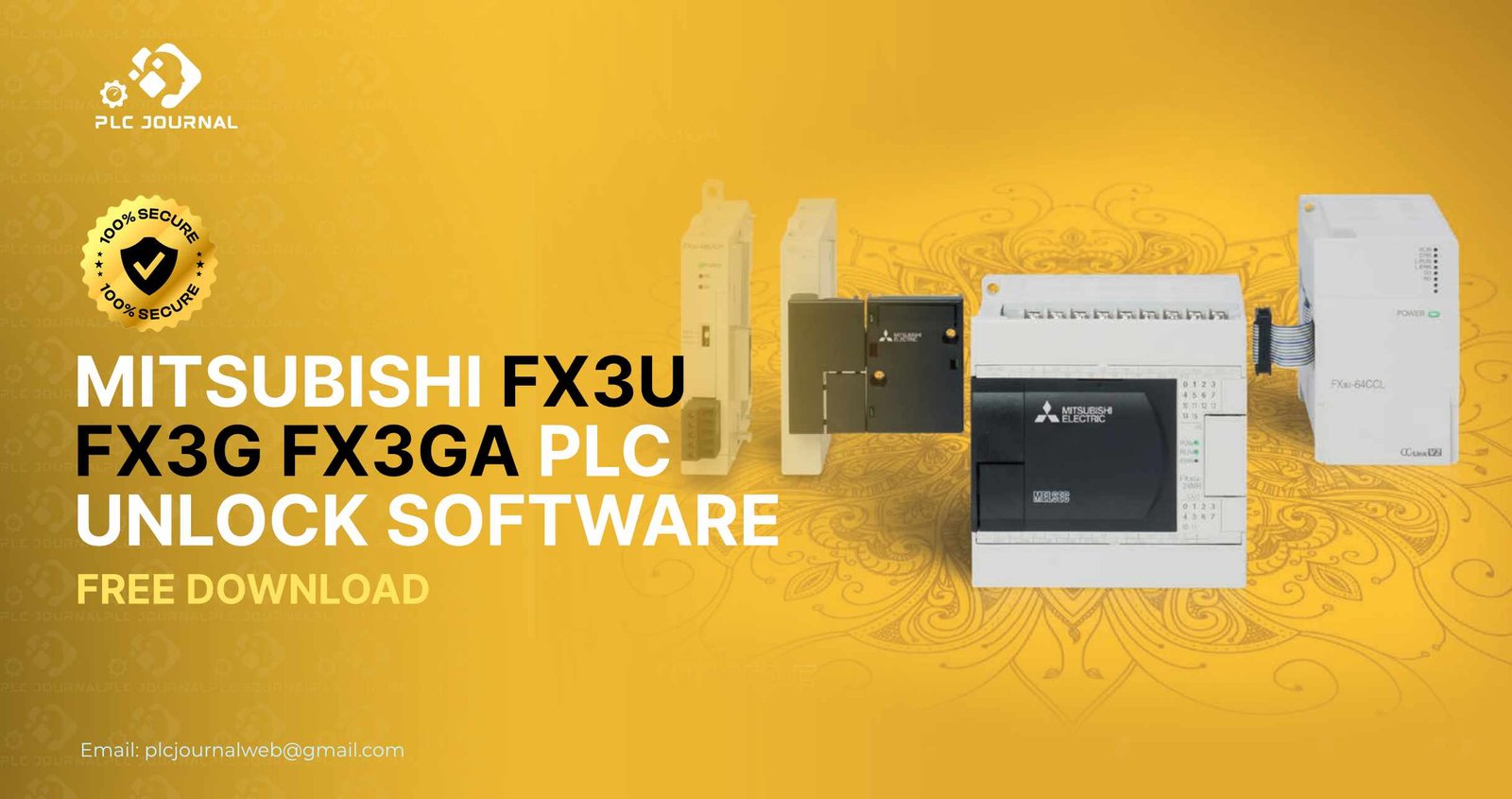
In industrial automation, Mitsubishi PLCs have consistently established themselves as highly reliable and efficient solutions for controlling complex machinery. Furthermore, among these options, the FX3U, FX3G, and FX3GA series are particularly widely used in manufacturing, packaging, and processing industries due to their versatility and performance. However, engineers and technicians often face a major obstacle: locked PLC programs. When the project or Function Blocks are password-protected, troubleshooting, upgrading, or modifying the system becomes challenging. This is where the Mitsubishi FX3U FX3G FX3GA PLC Unlock software comes to the rescue.
In this comprehensive guide, we will first explore how the Mitsubishi FX3U, FX3G, and FX3GA PLC Unlock software works. Additionally, we will examine its key benefits, practical applications, and provide step-by-step instructions for installation and usage. By the end of this guide, you will clearly understand why, therefore, this tool is essential for anyone working with Mitsubishi PLC systems.
What is Mitsubishi FX3U FX3G FX3GA PLC Unlock?
The Mitsubishi FX3U, FX3G, and FX3GA PLC Unlock software is, therefore, a specialized utility that has been specifically designed to safely and efficiently remove password protection from Mitsubishi PLC programs. Moreover, it provides engineers and technicians with a reliable solution for accessing secured automation projects without unnecessary delays. Many engineers encounter projects that are locked due to passwords set by previous developers or team members. Without access, you cannot modify logic, troubleshoot issues, or adapt the system to new requirements.
This software allows users to:
- Instantly unlock protected PLC programs.
- Retain the original PLC logic without alteration.
- Work seamlessly across FX3U, FX3G, and FX3GA PLC models.
With this tool, you regain complete control over your automation projects, ensuring continuity and efficiency in industrial operations.
Why You Need Mitsubishi FX3U FX3G FX3GA PLC Unlock
Handling locked PLC programs can therefore significantly slow down production, consequently delay maintenance, and ultimately increase operational costs. Fortunately, the Mitsubishi_FX3U, FX3G, and FX3GA PLC Unlock software provides an immediate solution, and furthermore, it offers multiple advantages:
- Time-Saving: Unlock your PLC projects in minutes instead of hours.
- User-Friendly: The software features a simple interface that even novice engineers can navigate easily.
- Safe and Secure: It unlocks PLCs without modifying or corrupting the existing program.
- Updated Compatibility: Supports the latest GX Works2 and GX Developer versions for FX3U, FX3G, and FX3GA series.
By using this software, engineers can reduce downtime, maintain productivity, and ensure smooth industrial operations.
Key Features of Mitsubishi FX3U FX3G FX3GA PLC Unlock
Moreover, the latest release of the Mitsubishi FX3U, FX3G, and FX3GA PLC Unlock software comes equipped with advanced features, which, as a result, make it an essential and must-have tool for automation professionals:
- Instant Unlocking: Access locked PLC projects within a few clicks.
- Comprehensive Compatibility: Works across FX3U, FX3G, and FX3GA series.
- No Data Loss: Maintains all ladder logic, parameters, and configurations intact.
- Offline Operation: Unlock PLC programs without connecting to the network.
- Batch Unlock: Unlock multiple projects simultaneously, saving valuable time.
- Automatic Backup: Generates a backup of the original project before unlocking.
These features make the software reliable, fast, and efficient for engineers who manage multiple PLC programs.
How to Install Mitsubishi FX3U FX3G FX3GA PLC Unlock
Installing the Mitsubishi FX3U FX3G_FX3GA PLC Unlock software is straightforward and designed to be user-friendly. Follow these steps for a successful setup:
- Download the Software: Obtain the latest version from a trusted source like PLCJournal.com.
- Check System Requirements: Ensure your PC runs Windows 7, 8, 10, or 11 and has sufficient resources.
- Run the Installer: Open the downloaded file and follow the step-by-step instructions.
- Activate the Software: Use the provided activation key to unlock full functionality.
- Launch and Unlock: Open GX Works2 or GX Developer, select your PLC project, and run the unlock software.
The setup process is designed to be quick so you can focus on your industrial automation tasks rather than troubleshooting software installation issues.
Step-by-Step Guide to Using Mitsubishi FX3U FX3G FX3GA PLC Unlock
Using the Mitsubishi FX3U FX3G FX3GA PLC Unlock software is simple and efficient. Follow this step-by-step workflow:
- Open PLC Project: Launch GX Works2 or GX Developer and open the locked project.
- Select Locked Blocks: Identify the Function Blocks or programs that are password-protected.
- Launch Unlock Software: Start the Mitsubishi FX3U FX3G FX3GA PLC Unlock tool.
- Choose Unlock Method: Select automatic unlock for fast results or manual unlock for specific blocks.
- Start Unlocking: Click “Unlock” and wait for the process to complete.
- Verify Access: Open the previously locked blocks to confirm full access.
This simple process ensures you regain control over your PLC projects quickly and safely.
Benefits of Mitsubishi FX3U FX3G FX3GA PLC Unlock
Using this software provides several benefits for engineers and technicians:
- Enhanced Productivity: Instant unlocking reduces downtime and accelerates project delivery.
- Reduced Risk: Automatic backups prevent accidental data loss.
- Professional Advantage: Technicians can handle locked projects confidently.
- Cost-Effective: Avoid recreating lost or locked Function Blocks from scratch.
Given these advantages, the Mitsubishi FX3U, FX3G, and FX3GA PLC Unlock software consequently becomes an indispensable and essential tool in any automation engineer’s toolkit.
Practical Applications
The software is ideal for various industrial scenarios:
- Legacy Project Recovery: Access older projects when original developers are unavailable.
- Troubleshooting: Unlock Function Blocks quickly to diagnose and resolve PLC issues.
- Project Upgrades: Modify or enhance existing programs without recreating them.
- Training and Learning: Students and trainees can explore real-world PLC programs safely.
By providing these solutions, the software therefore ensures that industrial operations continue to run smoothly and remain highly efficient.
Tips for Safe and Effective Use
To maximize the effectiveness of Mitsubishi FX3U FX3G FX3GA PLC Unlock, follow these safety tips:
- Always create a backup before unlocking any PLC project.
- Use the software on a trusted computer to prevent security risks.
- Keep the software updated for compatibility with the latest GX Works2 versions.
- Follow PLC programming best practices when editing unlocked Function Blocks.
These measures ensure a safe, secure, and productive experience while using the software.
Why Choose PLCJournal.com
PLCJournal.com is a trusted platform to download Mitsubishi FX3U FX3G FX3GA PLC Unlock software and other automation tools for free. The platform stands out because:
- Verified Downloads: All software is tested and confirmed safe.
- Free Access: Users can download software without hidden charges.
- Step-by-Step Guides: Detailed instructions help users install and use software efficiently.
- Updated Releases: The latest software versions are regularly provided for compatibility.
By using PLCJournal.com, you can therefore ensure that you consistently receive reliable, safe, and up-to-date tools for all your automation projects.
Conclusion
Undoubtedly, the Mitsubishi FX3U, FX3G, and FX3GA PLC Unlock software is an essential tool for anyone working with Mitsubishi PLC systems. In addition, it provides a fast, secure, and reliable way to access password-protected PLC programs, thereby ensuring productivity, enhancing efficiency, and maintaining continuity in industrial operations.
With its user-friendly installation, advanced features, and robust security measures, this software therefore helps engineers efficiently troubleshoot, seamlessly upgrade, and reliably maintain their automation projects with confidence. Whether you are a professional technician, engineer, or student, the Mitsubishi FX3U FX3G FX3GA PLC Unlock software empowers you to take full control of your PLC programs.
Visit PLCJournal.com today to download the latest version and unlock your Mitsubishi PLC programs effortlessly.




