


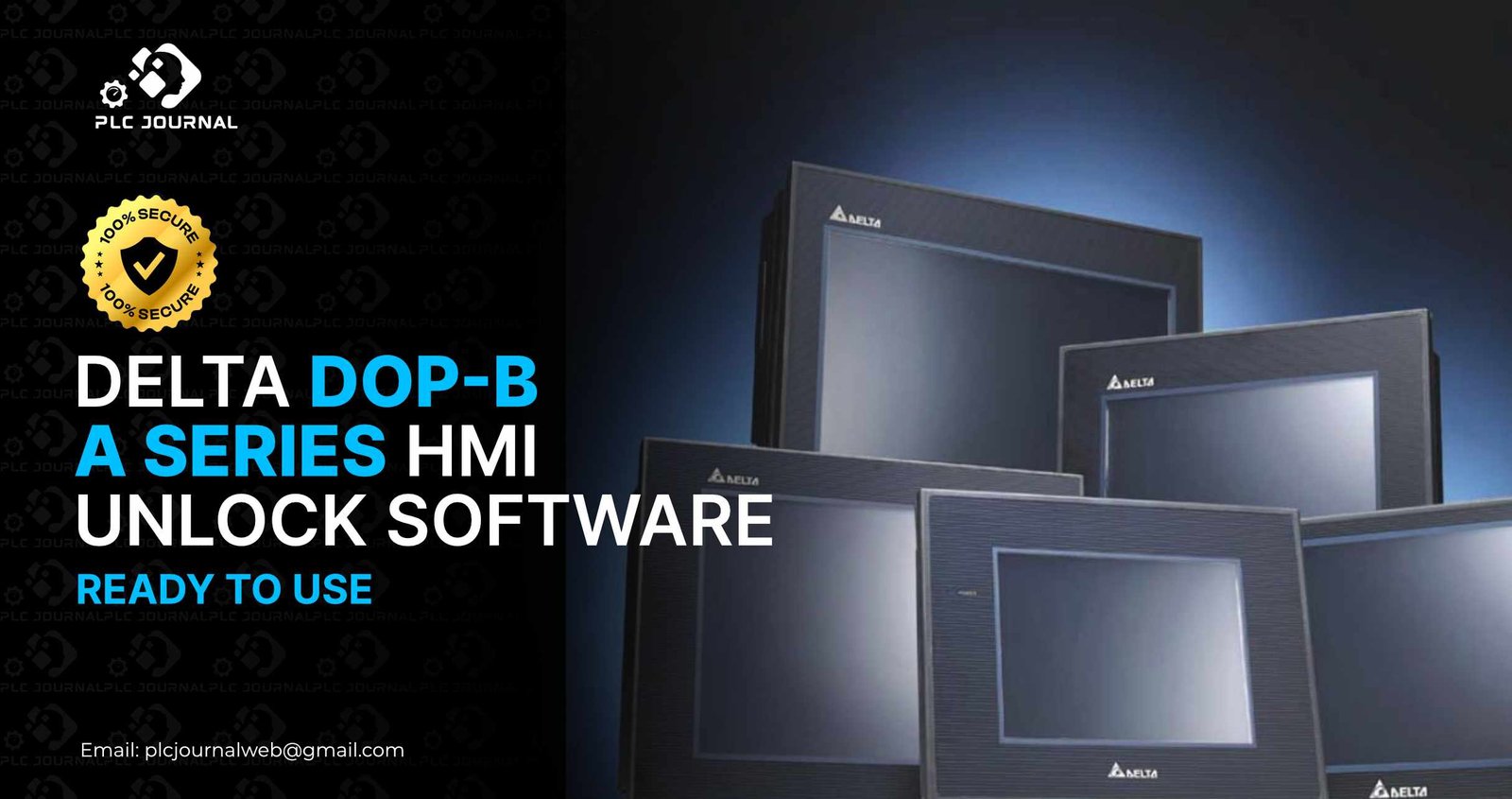
In today’s world, industrial automation has become increasingly dependent on Human-Machine Interfaces (HMIs) for efficient machine operation. Consequently, among the most trusted HMIs in the market is the Delta DOP-B A Series, which is renowned not only for its high performance but also for its intuitive design and user-friendly interface. However, many engineers and technicians face a common challenge-locked HMI projects that prevent editing, troubleshooting, or upgrading machine programs. This is precisely where the Delta DOP-B A Series_HMI Unlock software comes into play; moreover, it provides a fast, secure, and reliable solution for regaining full access to your HMI projects.
In this guide, you will not only discover everything about unlocking Delta DOP-B A Series HMI projects safely, efficiently, and quickly, but you will also learn how to maximize productivity and minimize downtime throughout the process. You will also get direct access to a 100% working download from PLCJournal.com, the most trusted platform for free PLC and HMI unlock software globally. Moreover, this article is carefully crafted not only to keep you engaged but also to provide clear instructions, thereby ensuring that your machine maintenance tasks are completed efficiently and without unnecessary delays.
What Is Delta DOP-B A Series HMI Unlock Software?
The Delta DOP-B A Series HMI_Unlock software is a specialized tool that is specifically designed to remove password protection from locked HMI projects; moreover, it provides a fast, secure, and reliable solution for engineers and technicians working in industrial automation. Many manufacturers secure HMI programs to prevent unauthorized modifications, but this becomes a challenge when the original password is forgotten, lost, or unavailable. Once a project is locked:
- You cannot open or edit screen pages
- You cannot modify alarm tables
- You cannot update macro scripts or communication parameters
- You cannot download the HMI project to new hardware
The Delta DOP-B A_Series HMI_Unlock tool instantly removes these restrictions without altering the project logic, images, macros, or communication configurations. As a result, engineers can quickly regain full access and, consequently, continue their work seamlessly and efficiently.
Why Engineers Need Delta DOP-B A Series HMI Unlock
Modern industrial processes rely heavily on HMIs to monitor and control machines. Consequently, a locked HMI program can halt production, delay troubleshooting, and significantly increase maintenance costs. Fortunately, the Delta DOP-B A Series HMI_Unlock software provides an immediate and reliable solution. Therefore, here are the primary reasons why technicians consistently rely on it:
1. Recover Forgotten Passwords
Often, machines come from overseas suppliers or third-party manufacturers with password-protected HMIs. Fortunately, the unlock tool allows engineers to regain access instantly, thereby minimizing downtime and ensuring smooth operation.
2. Edit and Upgrade HMI Projects
After unlocking, engineers can freely modify screens, update macros, adjust alarms, and change communication parameters without any restrictions; consequently, they can optimize system performance, enhance operational efficiency, and ensure smooth workflow.
3. Reduce Machine Downtime
Unlocking HMIs quickly not only ensures minimal disruption to production lines but also, as a result, saves both time and money. Furthermore, this rapid access helps maintain consistent workflow and enhances overall operational efficiency.
4. Avoid Rewriting Entire Projects
Instead of recreating HMI projects from scratch, engineers can unlock existing programs and modify them as needed.
5. Full Compatibility
The software works with all Delta DOP-B A Series models, including DOP-B07A, DOP-B10A, DOP-B12A, and DOP-B15A.
These advantages make Delta DOP-B A Series HMI Unlock an indispensable tool for maintenance teams, automation engineers, and system integrators.
How Delta DOP-B A Series HMI Unlock Software Works
The software is specifically designed for simplicity and speed. Consequently, even engineers with only basic computer skills can perform the unlock in just a few straightforward steps. Therefore, here’s a detailed overview:
Step 1: Locate the Locked HMI Project
Typically, HMI projects come in either .dop or .dpz file formats, depending on the specific DOPSoft version being used; moreover, understanding the correct file type is essential for a smooth and successful unlocking process.
Step 2: Run the Unlock Software
Open the Delta DOP-B A Series HMI Unlock tool on your computer.
Step 3: Import the Locked Project
Browse and select the locked project file.
Step 4: Click Unlock
The software not only removes the password instantly but also does so without affecting the project’s content; as a result, engineers can continue their work seamlessly and without any risk of data loss.
Step 5: Open the Project in DOPSoft
After unlocking, you can freely edit, modify, and download the project; consequently, this allows for faster updates, smoother workflow, and improved overall efficiency.
This process ensures quick access while maintaining the integrity of the original HMI program.
Key Features of Delta DOP-B A Series HMI Unlock Tool
Moreover, the unlock tool offers multiple benefits that not only enhance its usability but also improve its overall reliability:
✔ One-Click Unlock
Perform a fast and clean Delta DOP-B A Series HMI Unlock in seconds.
✔ Compatible with All Models
Moreover, it supports all DOP-B A Series models, thereby ensuring wide applicability across different industrial setups and facilitating seamless integration in diverse automation environments.
✔ No Data Loss
All screen designs, macros, alarm tables, and communication settings remain intact.
✔ Lightweight and Fast
The software runs smoothly on any Windows system without requiring installation.
✔ 100% Safe and Virus-Free
PLCJournal.com verifies all software before upload, ensuring a safe and reliable download.
✔ Ready for Immediate Use
Extract and run-no additional configuration or setup is required.
Consequently, these features make the tool highly effective for engineers who need quick and secure access to locked HMI projects. Moreover, by combining speed, reliability, and ease of use, it significantly enhances productivity and ensures smooth, uninterrupted workflow.
Why Download Delta DOP-B A Series HMI Unlock from PLCJournal?
PLCJournal.com has become the go-to platform for engineers worldwide due to its reliability and ease of use. Here’s why users trust it:
- Verified, clean, and virus-free downloads
- Direct one-click download without signup
- Step-by-step guides for every tool
- Real tested files with 100% working functionality
- Large repository of PLC and HMI unlock software
Downloading the Delta DOP-B A Series HMI Unlock from PLCJournal.com guarantees a working solution that is safe and efficient.
How to Download and Use Delta DOP-B A Series HMI Unlock Software
Downloading and using the software is simple and straightforward:
Step 1: Download
Click the download link provided on PLCJournal.com. The file will start downloading immediately.
Step 2: Extract
Use WinRAR, 7-Zip, or Windows’ built-in extraction tool to extract the package.
Step 3: Run the Unlock Tool
Open the executable file directly-no installation required.
Step 4: Import Your Locked Project
Select the HMI project file you want to unlock.
Step 5: Unlock
Click the unlock button. The tool will remove the password instantly.
Step 6: Open in DOPSoft
Load the unlocked project in DOPSoft and start editing immediately.
This process typically takes less than a minute, allowing engineers to resume their work without delay.
Best Practices While Using HMI Unlock Software
For safe and efficient unlocking, follow these professional tips:
1. Always Backup the Original Project
Even though the software is safe, keeping a backup ensures you have a copy in case of unexpected issues.
2. Use Correct Cables
Ensure proper connection to the HMI to avoid communication errors.
3. Keep Your Computer Stable
Run the tool on a computer with a stable power supply and avoid interruptions.
4. Run as Administrator
Running the tool with admin rights prevents permission issues during the unlocking process.
Following these tips ensures smooth operation and successful Delta DOP-B A Series HMI Unlock every time.
Who Can Benefit from Delta HMI Unlock?
This software is valuable for a wide range of professionals, including:
- Industrial automation engineers
- Maintenance technicians
- Machine builders
- SCADA/HMI developers
- Electrical engineers
- System integrators
- Automation students
Therefore, anyone who needs quick and safe access to locked Delta DOP-B A Series HMI projects will greatly benefit from this software. Furthermore, by providing fast, reliable, and secure unlocking, it helps engineers and technicians maintain efficient workflows and minimize downtime.
Conclusion
Locked HMI projects can significantly delay production, increase maintenance costs, and consequently create frustration for technicians. Fortunately, the Delta DOP-B A Series HMI Unlock software offers a fast, reliable, and secure solution to regain full access to your HMI programs. Moreover, with a simple one-click process, no risk of data loss, and full compatibility with all DOP-B A Series models, it clearly serves as the ideal tool for any automation professional seeking efficiency and seamless workflow.
PLCJournal.com provides a trusted, tested, and safe download, ensuring that your unlock tool works immediately. Download the Delta DOP-B A Series HMI Unlock today and take control of your HMI projects without delay.




